Getting API Credentials
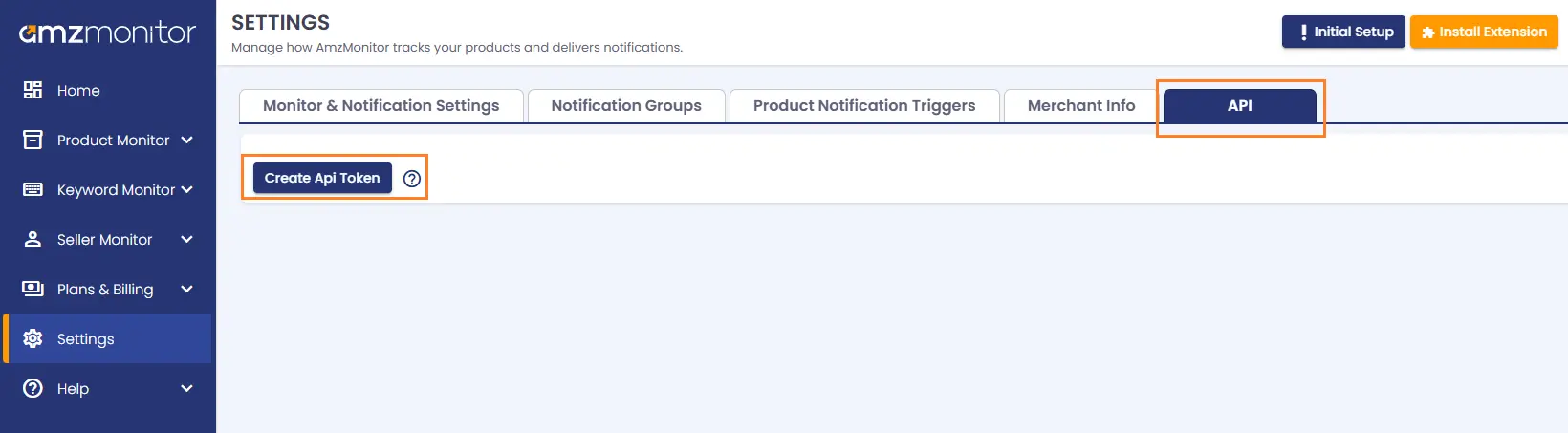
To use the AmzMonitor API, you must first create your API credentials.
-
Go to Settings from your AmzMonitor dashboard and open the API tab. Click "Create API Token" button.
- To authenticate with the AmzMonitor API, pass your access token and client id as header parameters in every request that you make.
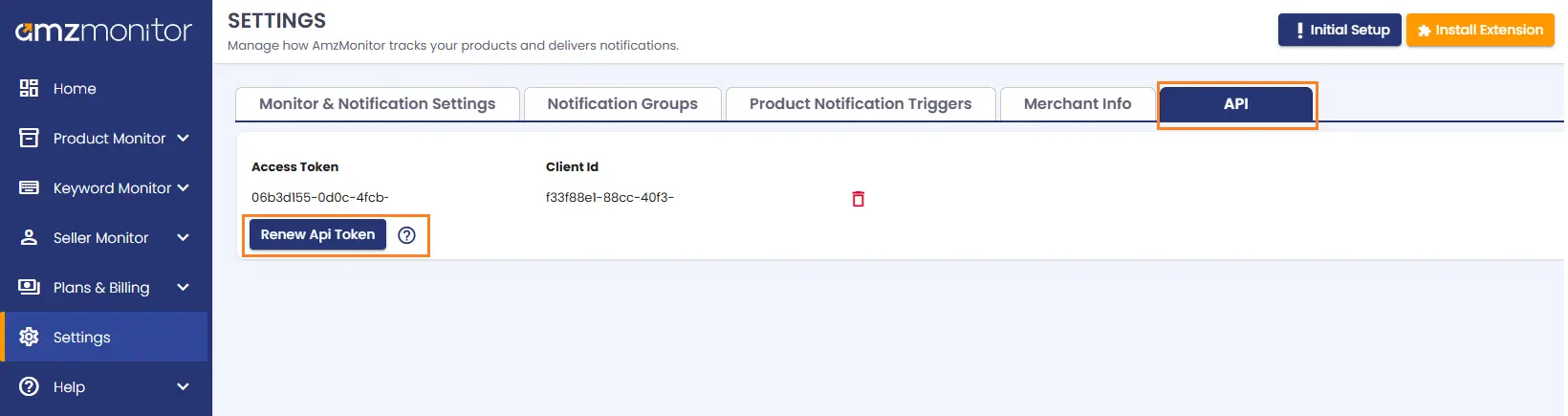
Renewing API Credentials
For security reasons, you may need to renew your API credentials periodically.
-
Go to Settings from your AmzMonitor dashboard and open the API tab. Click "Renew API Token" button.