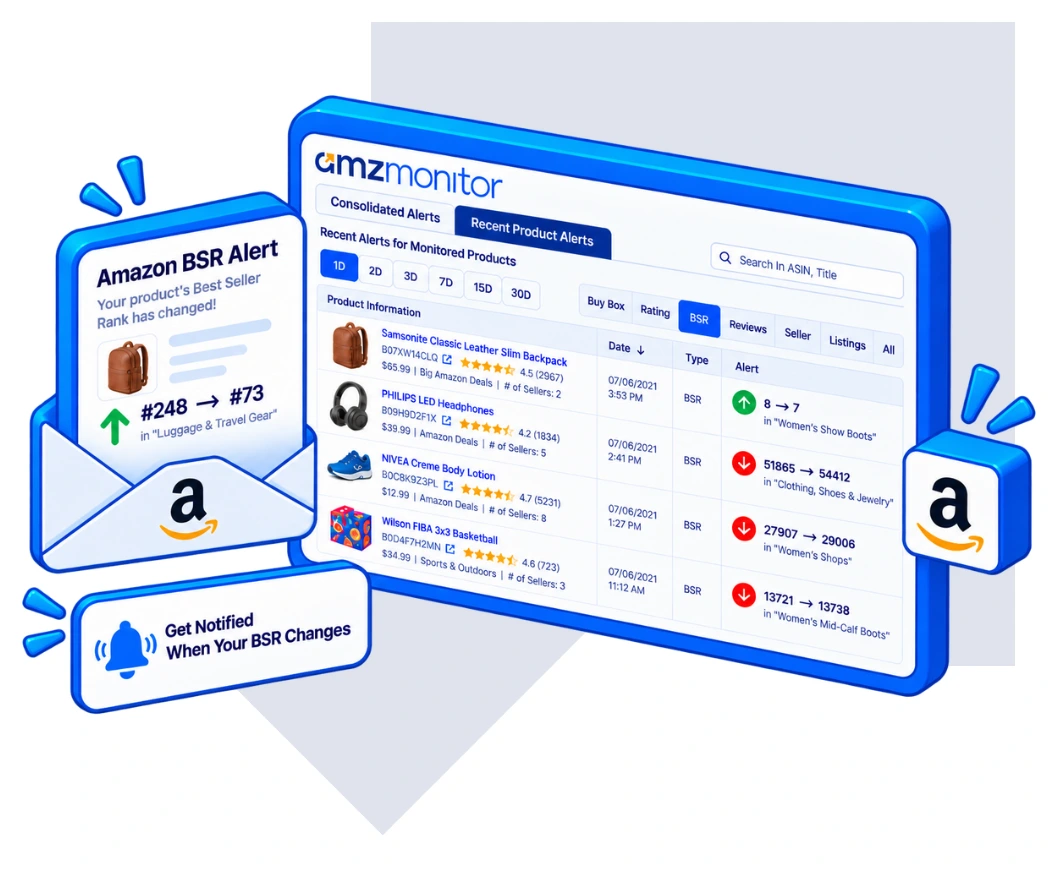
Amazon BSR Report FAQ
What is an Amazon BSR Report?
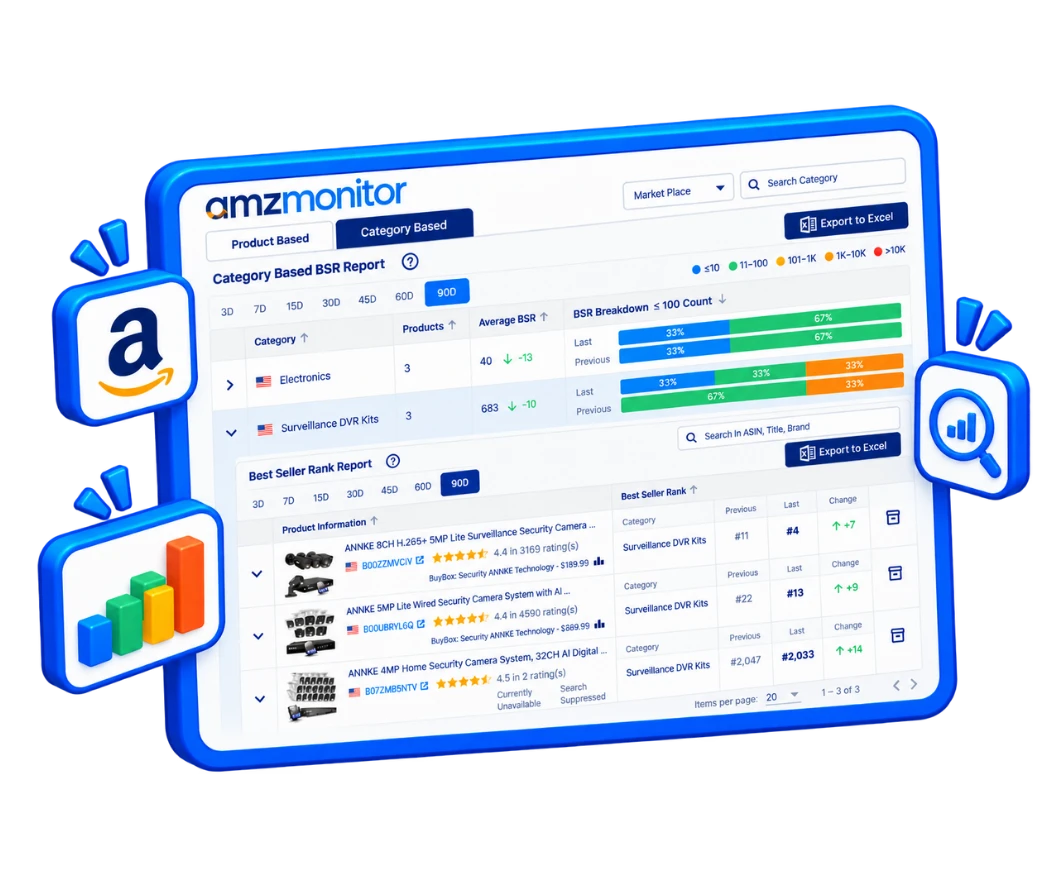
An Amazon BSR Report summarizes Best Seller Rank data collected from your monitored products.
It shows current rankings, historical BSR changes, and category-specific rankings.
What is Amazon Best Seller Rank?
Amazon Best Seller Rank (BSR) is a category-specific ranking that indicates a product's position among other products in an Amazon category.
A lower numerical rank represents a higher position.
What is an Amazon BSR Tracker?
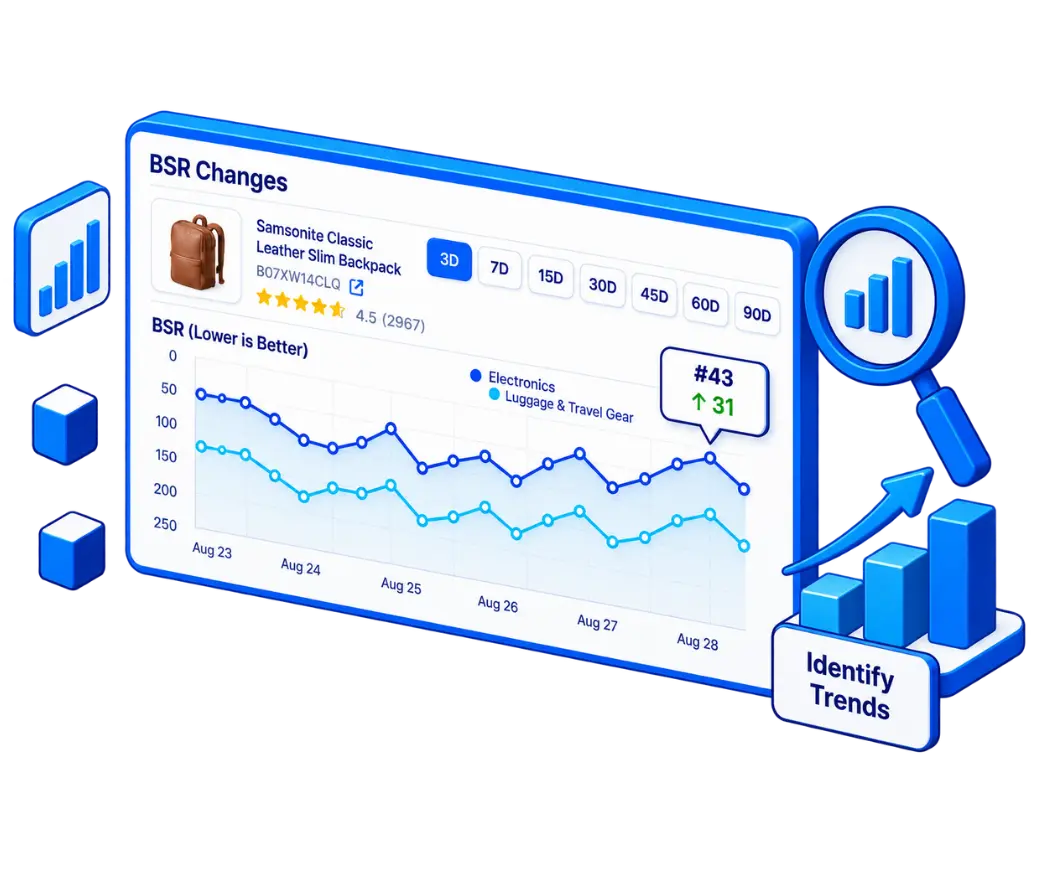
An Amazon BSR Tracker monitors Best Seller Rank changes over time.
AmzMonitor records BSR data from your monitored ASINs so you can analyze ranking performance and historical changes.
How does AmzMonitor compare BSR changes?
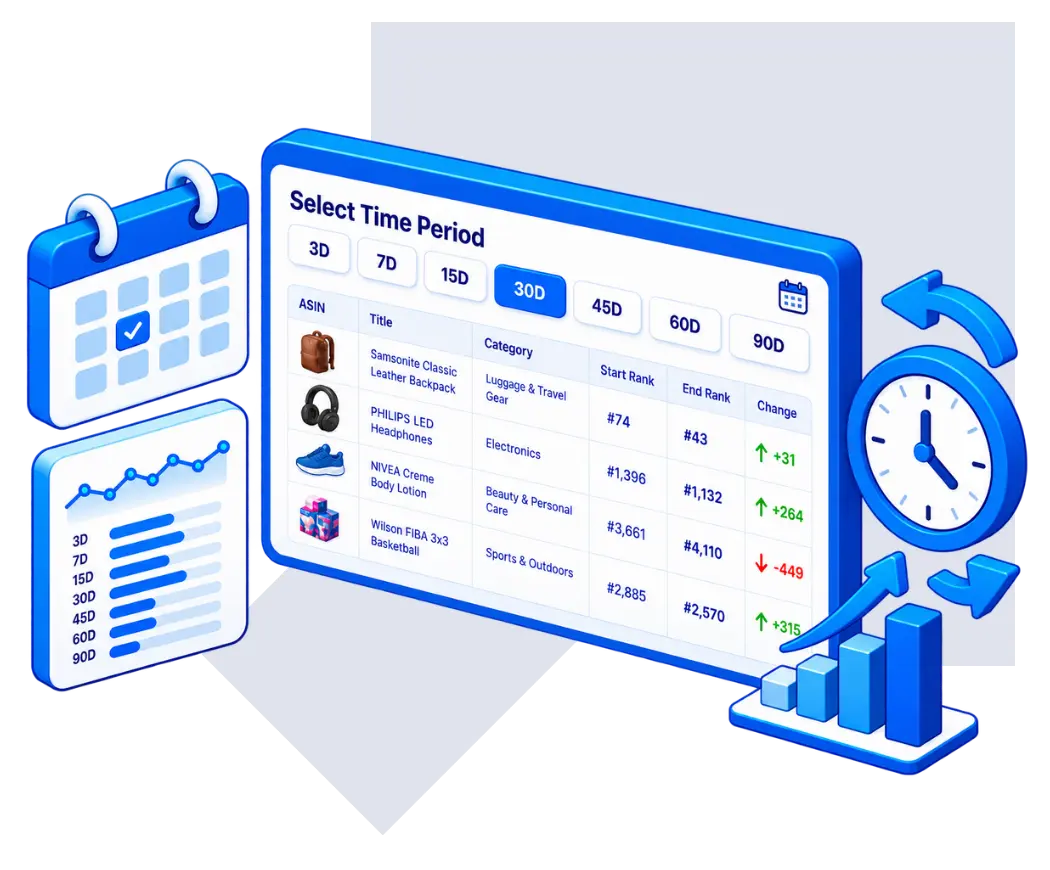
You can analyze BSR changes over 3, 7, 15, 30, 45, 60, or 90 days.
The report compares the current BSR with the closest available ranking from the selected period ago.
Can I compare BSR performance across my products?
Yes. The Product Based BSR Report allows you to analyze and compare the ranking performance of your monitored products.
Can a product have multiple BSR values?
Yes. Amazon products can have Best Seller Rank values in multiple categories.
AmzMonitor reports these category-specific rankings separately.
Why does a newly monitored product have limited BSR data?
BSR data starts accumulating when a product is added to monitoring.
Recently added products may therefore have limited historical BSR data until enough monitoring snapshots have been collected.
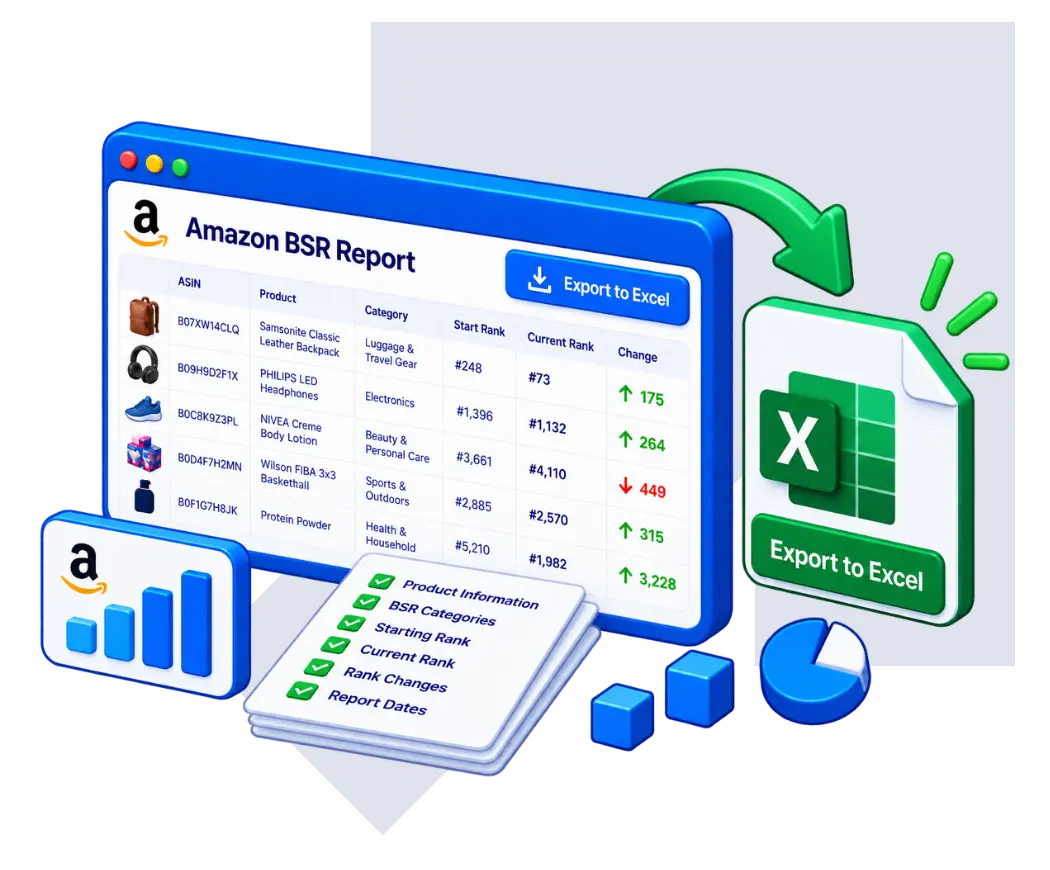
Can I export the BSR Report?
Yes. The Amazon BSR Report can be exported to Excel for additional analysis, reporting, or sharing with your team.