Amazon Buy Box Report

Analyze Buy Box performance across all your monitored Amazon products.

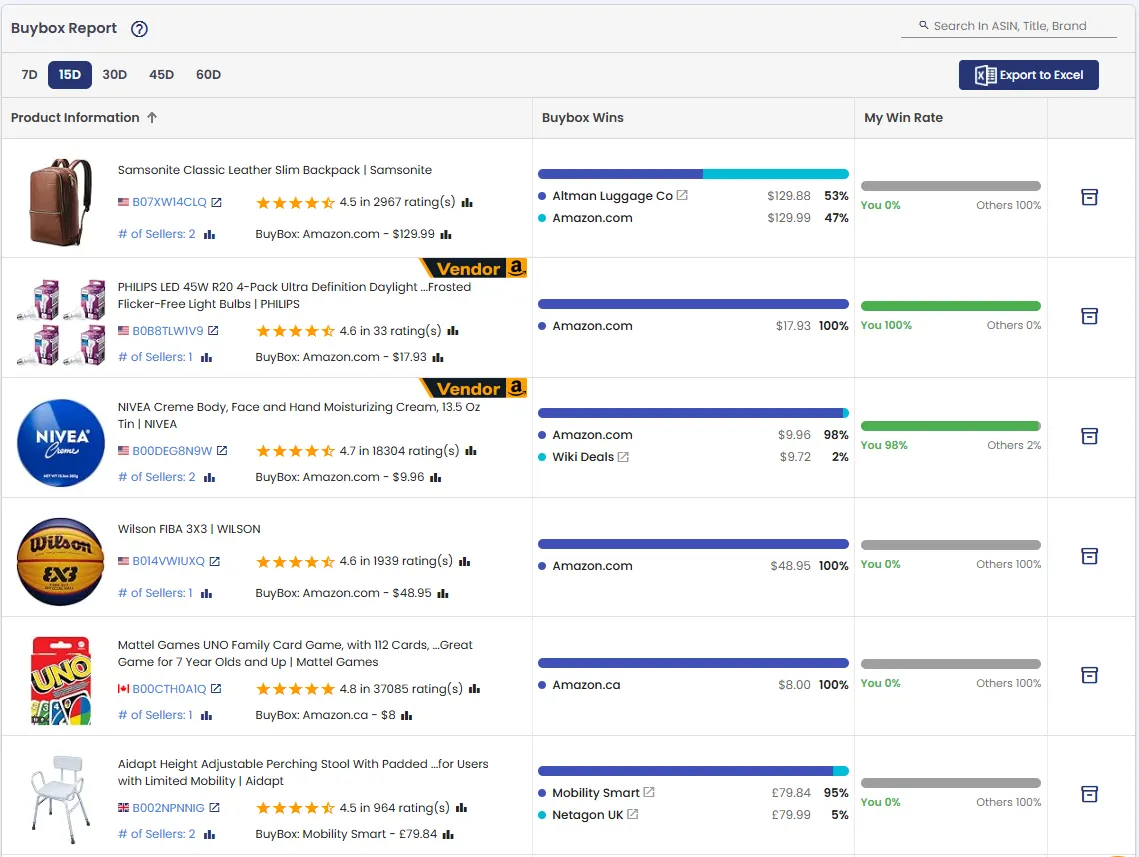
AmzMonitor collects Buy Box data from your monitored ASINs and brings the recorded snapshots together in one report, showing who wins the Buy Box, how often they win, and who currently holds it.

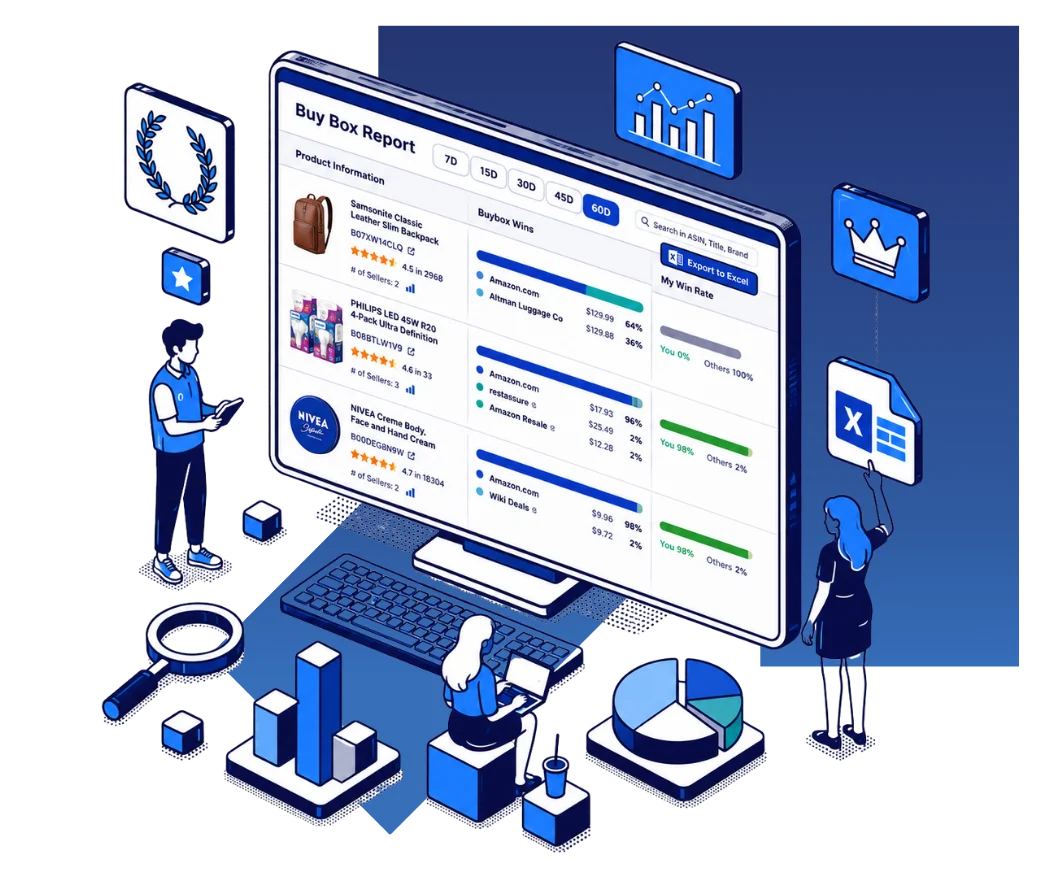
Amazon Buy Box Report showing Buy Box winners and win rates

Turn Buy Box Monitoring Data Into Actionable Reports

AmzMonitor monitors your ASINs at your selected interval and records Buy Box snapshots over time. The Buy Box Report uses this collected data to give you a consolidated view of Buy Box performance across your monitored products.

See Who Wins the Buy Box

Review the Buy Box distribution for each monitored product and see which sellers held the Buy Box during the selected period.

  • See Buy Box winners by seller
  • See the percentage of Buy Box snapshots won by each seller
  • See your Buy Box win rate compared with other sellers
  • View the current Buy Box seller and price
Amazon Buy Box winners and win rates by seller
Amazon Buy Box current seller and price

Measure Your Buy Box Win Rate

The My Win Rate column shows how often your registered merchants held the Buy Box during the selected period.

Compare your Buy Box performance with other sellers to identify products where you are consistently winning the Buy Box and products where competitors have a stronger position.

Analyze Different Time Periods

Select a date range to analyze the Buy Box data collected for your monitored products.

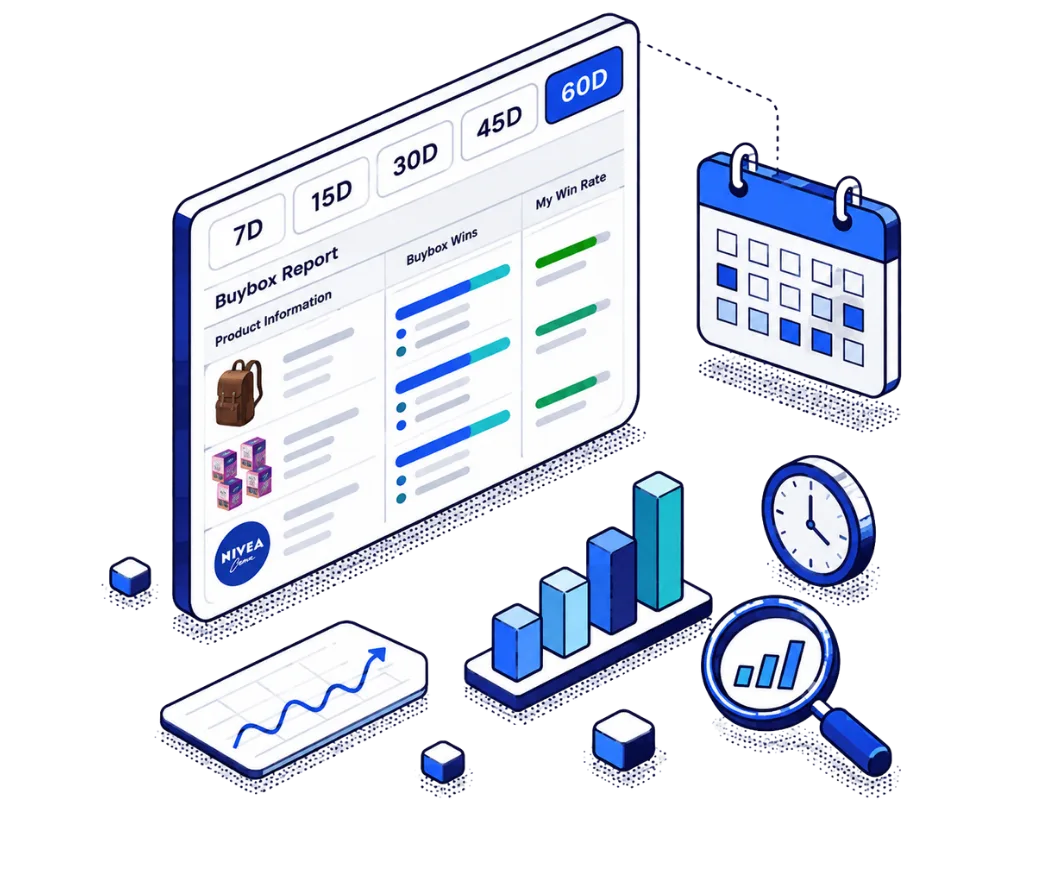
  • Analyze 7, 15, 30, 45, and 60-day periods
  • Compare Buy Box performance across different periods
  • Identify products where your Buy Box position is weak
  • Analyze seller competition using historical Buy Box data
Amazon Buy Box report with different date ranges

Export Your Buy Box Report

Export Buy Box report data to Excel for further analysis, reporting, or sharing with your team.

The exported data gives you a convenient way to work with Buy Box performance across your monitored ASINs outside of AmzMonitor.

Amazon Buy Box report data for monitored products

Use Buy Box Data With Product Monitoring

Buy Box Report data comes directly from the Buy Box snapshots collected while your products are being monitored.

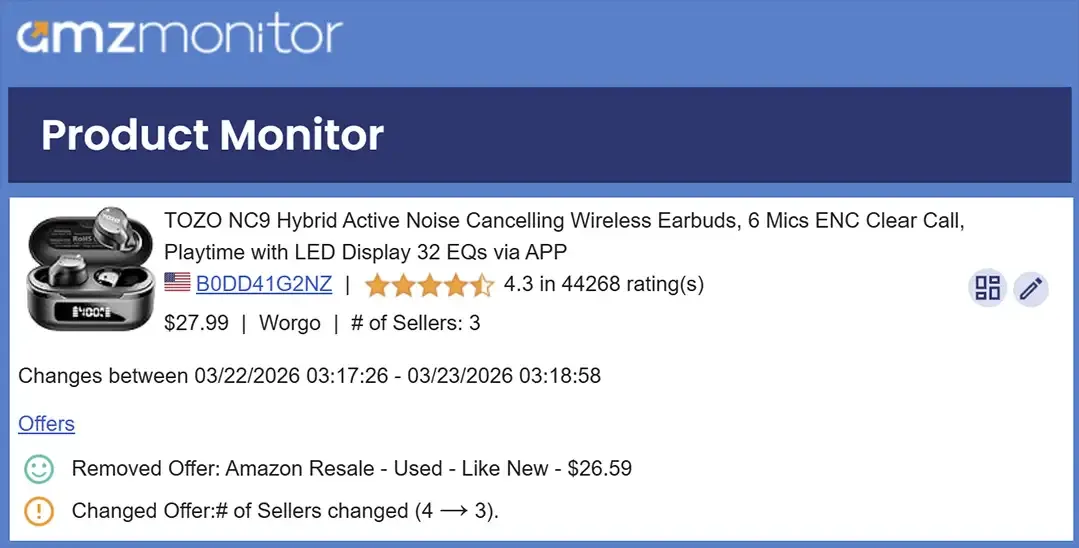
AmzMonitor can also generate alerts when monitored product data changes, including Buy Box seller and Buy Box price changes. Learn more about Amazon Buy Box Alerts.

AmzMonitor also alerts you when monitored product offers change, such as when a new seller appears, an existing seller is removed, or a seller changes their price. Learn more about Price Change Alerts.

How AmzMonitor Calculates Buy Box Wins

A Buy Box win counts as yours when the Buy Box is held by one of your registered merchants. For vendor-enabled products, a Buy Box held by Amazon also counts as yours.

Buy Box win rates are calculated using all recorded Buy Box snapshots within the selected date range.

Buy Box data starts accumulating when a product is added to monitoring. Recently added products may therefore have limited or no Buy Box history until enough snapshots have been recorded.

Make sure your merchant accounts are added under Merchant Info Settings so AmzMonitor can correctly identify your Buy Box wins.


Amazon Buy Box Report FAQ

What is an Amazon Buy Box Report?

An Amazon Buy Box Report summarizes the Buy Box data collected from your monitored products and shows Buy Box winners, win rates, current Buy Box sellers, and prices.

How is Buy Box win rate calculated?

AmzMonitor calculates Buy Box win rates using all recorded Buy Box snapshots within the selected date range.

How does AmzMonitor identify my Buy Box wins?

A Buy Box win counts as yours when the Buy Box is held by one of your registered merchants. For vendor-enabled products, a Buy Box held by Amazon also counts as yours.

Why does a newly monitored product have limited Buy Box data?

Buy Box data starts accumulating when a product is added to monitoring. Recently added products may need additional time to collect enough Buy Box snapshots.