
Know When Product Badges Change with Amazon Badge Alerts

Amazon badges are small information labels on search results and product pages that help shoppers decide what to buy. Badges like Amazon's Choice and Best Seller can appear or disappear without warning. AmzMonitor monitors the badges on every product you add, yours or a competitor's, records an alert when one is added, changed or removed, and notifies you about it.

  • No credit card required
  • Monitoring every 2–24 hours
  • 18 Amazon marketplaces
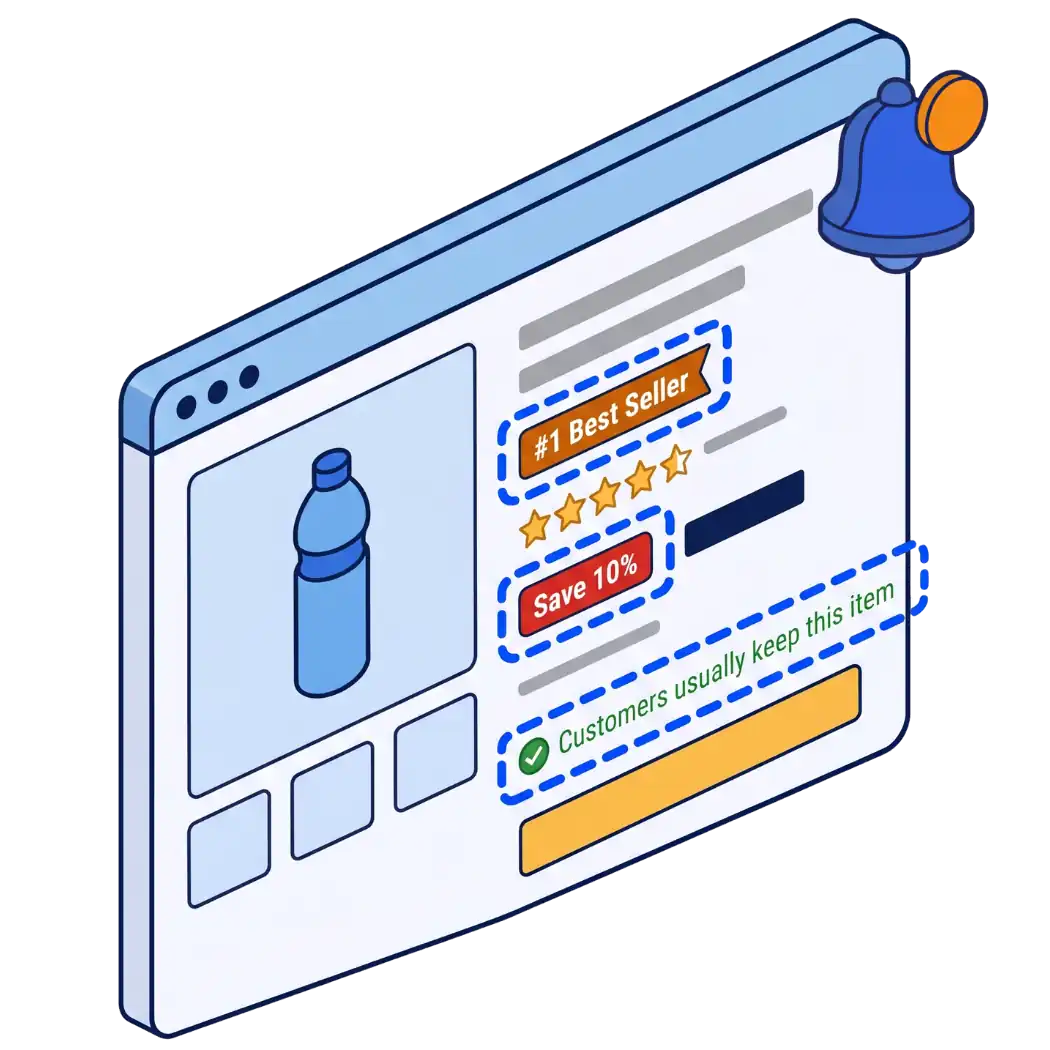
Amazon listing with the Best Seller, Save 10% and Customers usually keep this item badges highlighted
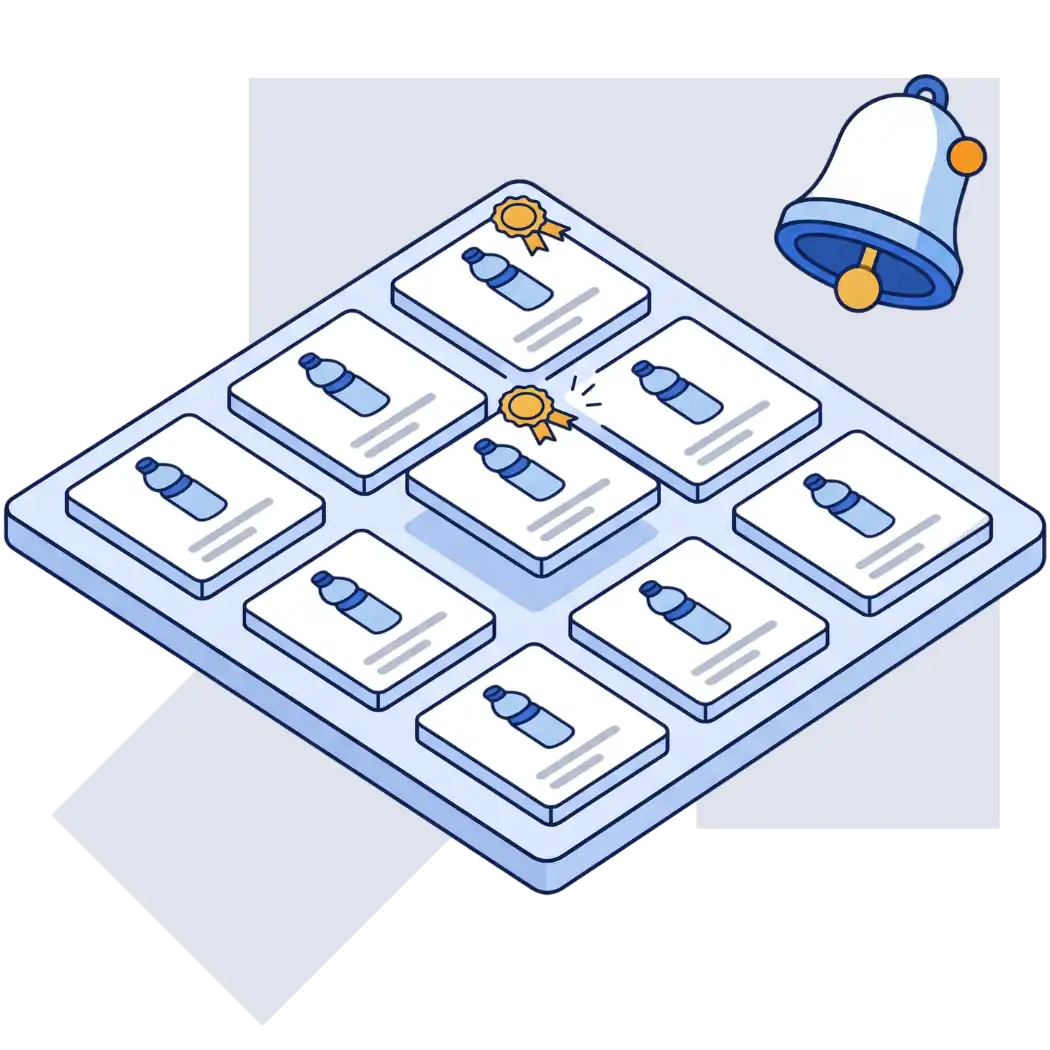
One product with a changed Amazon badge among many monitored products, with an alert bell
Why Badges Matter

Why Track Your Amazon Product Badges?

Amazon badges influence how shoppers perceive products in search results and on product detail pages. A Best Seller badge can help a product stand out, while a warning such as "Frequently returned item" can make shoppers think twice. Monitoring these changes helps you understand how Amazon presents your products and competitors to customers.

  • Know when you gain or lose recognition
    Best Seller and Amazon's Choice badges can help your products stand out among competing listings. Track when these badges appear or disappear so you can see changes in your product's visibility and recognition.
  • Catch warning badges early
    A "Frequently returned item" badge can discourage potential buyers. Spotting it helps you investigate customer complaints, product quality or listing issues before the warning affects more purchase decisions.
  • Keep track of promotions
    Check whether your deal badges appear during promotions and when they disappear. Monitor competitors too, so you can see when they launch deals and adjust your pricing or promotional strategy accordingly.
  • Understand how competitors stand out
    Follow badges across competing ASINs to see which products earn Amazon recognition, display promotional offers or receive customer-facing warnings. This gives you another way to assess how competing listings are positioned.
Tracked Badges 1

Recognition Badges

Recognition badges highlight selected products to shoppers in search results and on the product page. Know when a product wins or loses one.

  • Best Seller
    An alert when the badge appears, disappears or its text changes, for example the category it is shown in.
  • Amazon's Choice
    An alert when the badge is added or removed.
  • Overall Pick
    Amazon's top pick label in search results.
  • Goodreads Choice
    The Goodreads label on books.
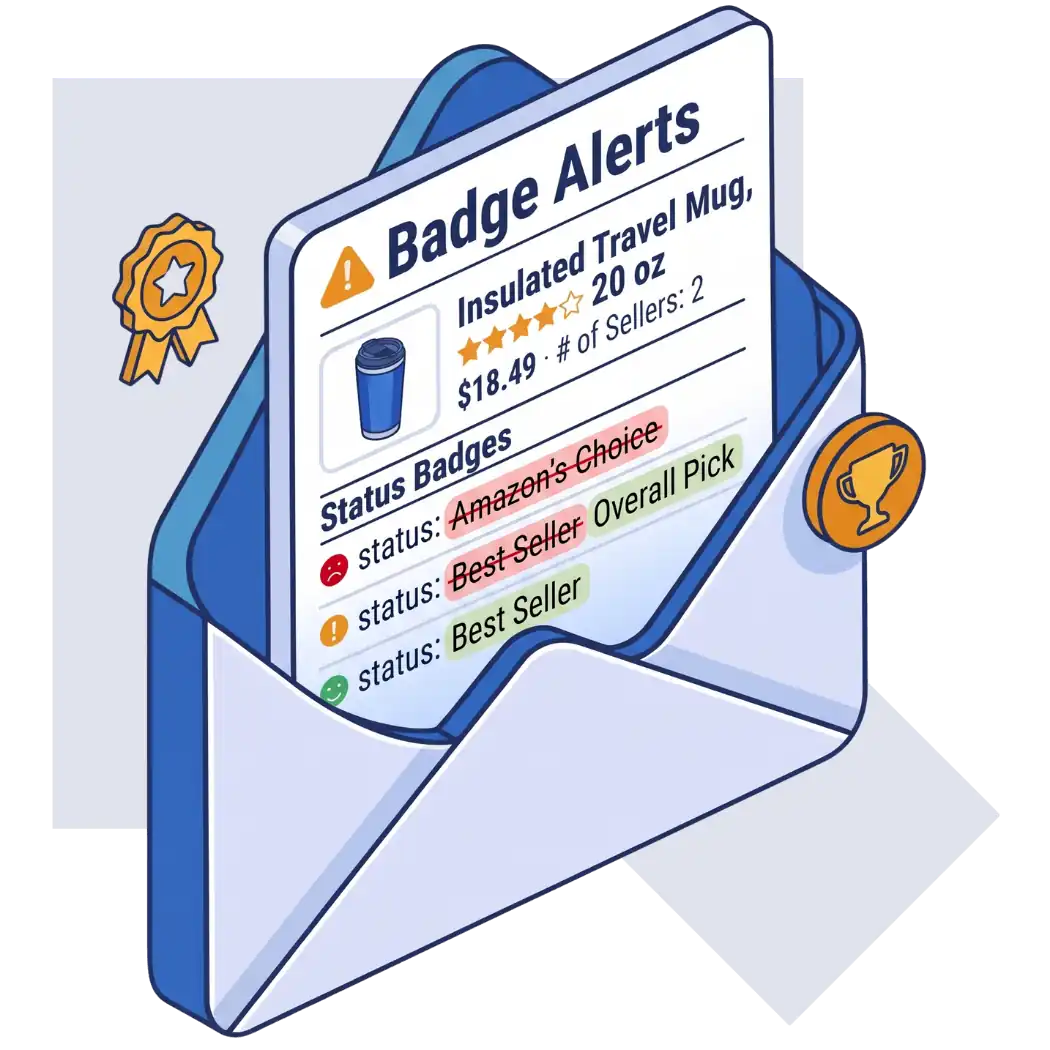
Badge notification email showing Amazon's Choice, Best Seller and Overall Pick status badge changes
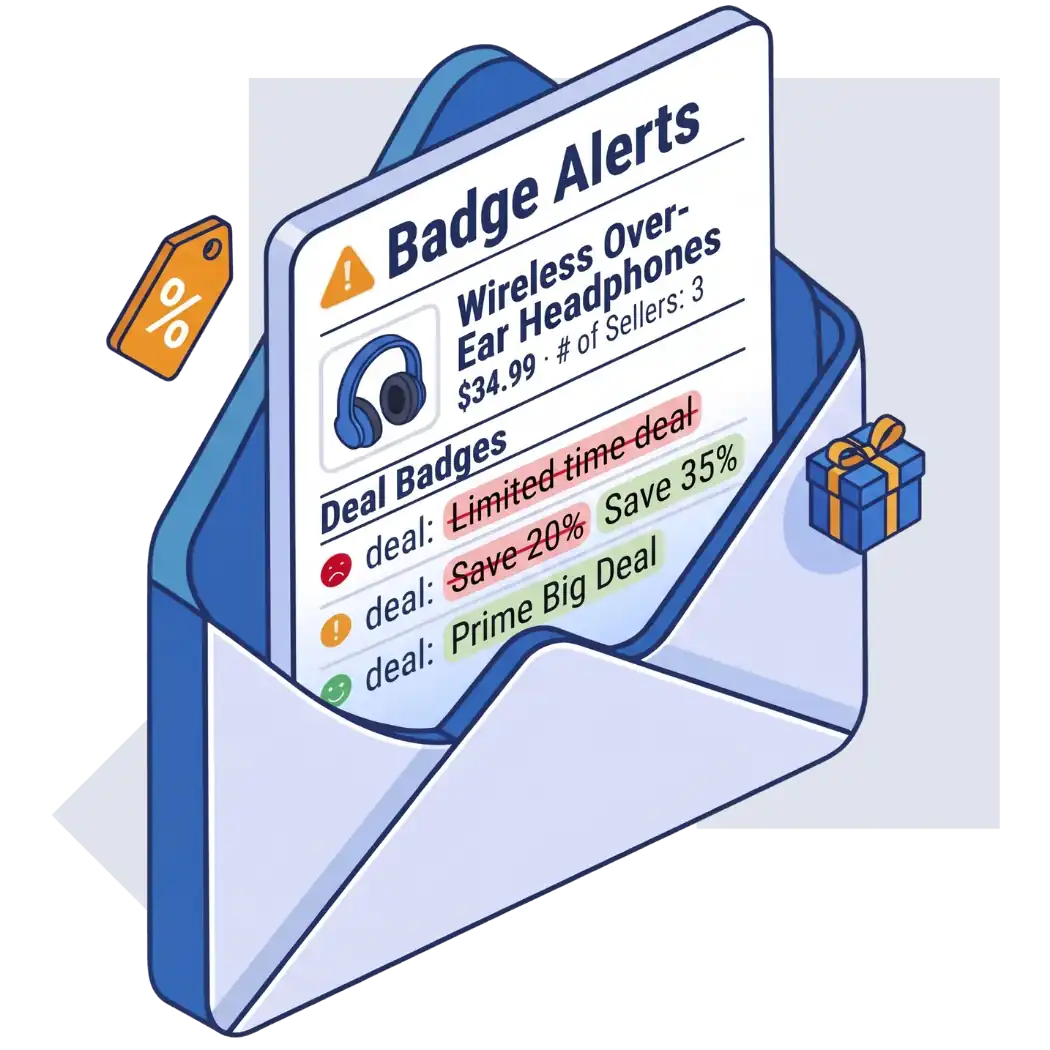
Badge notification email showing Limited time deal, Save 35% and Prime Big Deal badge changes
Tracked Badges 2

Deal and Price Badges

Deal badges appear in search results while a promotion runs. Check that yours shows up, and see when a competitor starts a deal.

  • Limited time deal
    The standard Amazon deal badge.
  • Prime Day and Prime Big Deal
    Prime event deals, including early access deals.
  • Black Friday and Cyber Monday
    Holiday deal badges in Q4.
  • Discount and price labels
    Labels like "Save 20%", "Best Price in 30 Days" and "Sale Price Live".
Tracked Badges 3

Customer Feedback and Eligibility Badges

These badges tell shoppers how often a product comes back and who can pay for it. A new warning here needs fast action.

  • Frequently returned item
    A warning that makes shoppers hesitate. See it early and look into your return reasons. Learn about return rate badges.
  • Customers usually keep this item
    The positive return badge. Know when you earn it or lose it.
  • FSA or HSA Eligible (US only)
    An alert when a product's FSA/HSA eligibility changes on Amazon.com. Read the FSA/HSA badge guide.
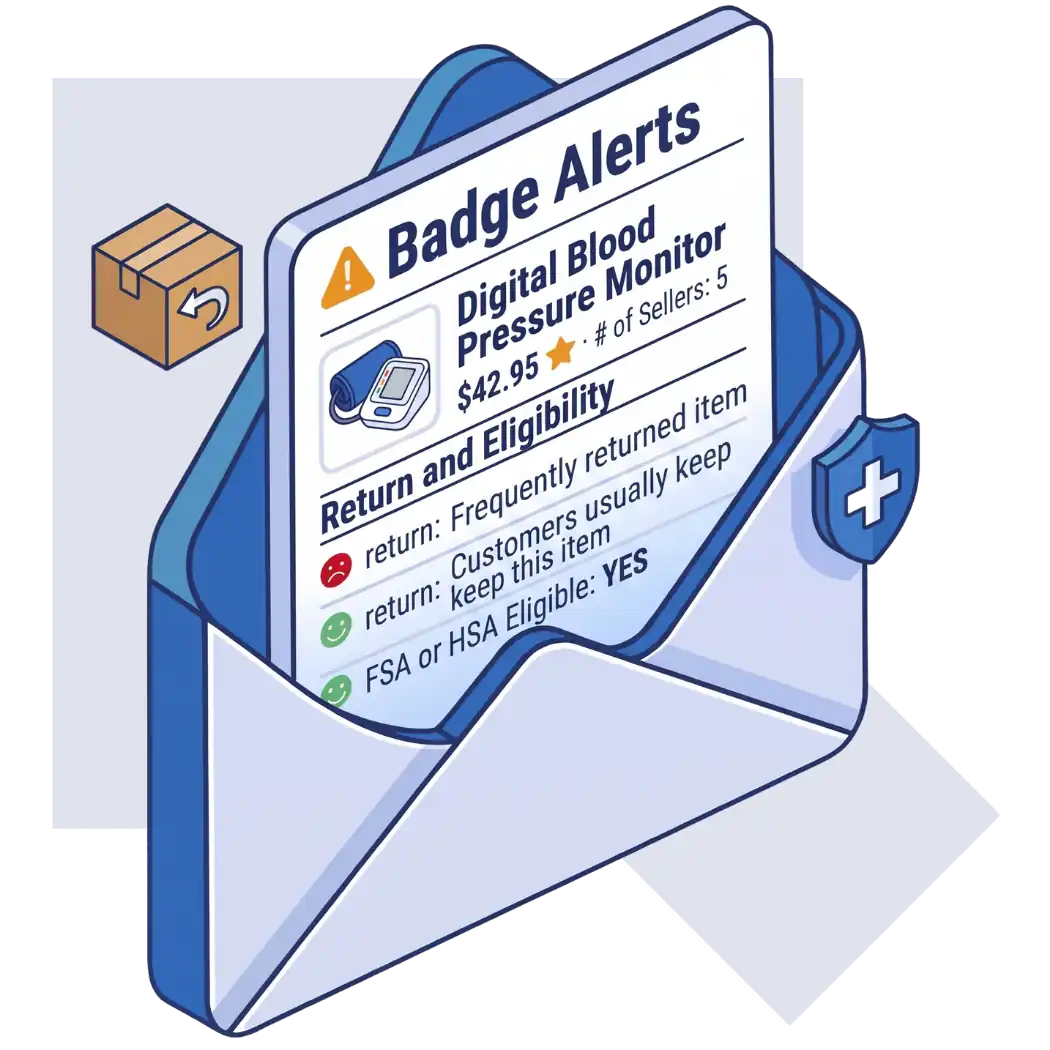
Badge notification email showing Frequently returned item, Customers usually keep this item and FSA or HSA eligibility alerts
How It Works

How Amazon Badge Alerts Work

  1. 01

    Add your ASINs

    Add products one by one or in bulk, your own or competitor ASINs.

  2. 02

    Set marketplace and interval

    Pick one of 18 marketplaces and a check interval from 2 to 24 hours.

  3. 03

    Choose badge notification triggers

    Turn the Best Seller, Amazon's Choice and Badges / Tags triggers on or off to control which badge changes send you an email.

  4. 04

    Get notified

    Get an email showing which badges were added, removed or changed, with the old and new text when a badge changes. Review every change in your dashboard.

AmzMonitor plans and pricing

The number of ASINs you can monitor depends on your plan and your interval.

Check interval

Shorter intervals check your products more often. The ASIN count in each plan changes with the interval.

Free trial

Let's Meet

$12 /mo

Start Free Trial

No Credit Card Required. Try free for 14 days

ASIN Monitoring every 24h
20
Keyword Monitoring every 24h
40
Seller Monitoring every 24h
2
Notification Email Addresses
1
Team Members
–

Bronze

$20 /mo

Buy Now

30-Day Money Back Guarantee

ASIN Monitoring every 24h
50
Keyword Monitoring every 24h
100
Seller Monitoring every 24h
3
Notification Email Addresses
3
Team Members
1

Silver

$35 /mo

Buy Now

30-Day Money Back Guarantee

ASIN Monitoring every 24h
100
Keyword Monitoring every 24h
200
Seller Monitoring every 24h
5
Notification Email Addresses
5
Team Members
2
Best value

Gold

$60 /mo

Buy Now

30-Day Money Back Guarantee

ASIN Monitoring every 24h
300
Keyword Monitoring every 24h
400
Seller Monitoring every 24h
10
Notification Email Addresses
8
Team Members
4

Platinum

$110 /mo

Buy Now

30-Day Money Back Guarantee

ASIN Monitoring every 24h
600
Keyword Monitoring every 24h
1,000
Seller Monitoring every 24h
20
Notification Email Addresses
12
Team Members
6
API access

Diamond

$200 /mo

Buy Now

30-Day Money Back Guarantee

ASIN Monitoring every 24h
1200
Keyword Monitoring every 24h
2,000
Seller Monitoring every 24h
40
Notification Email Addresses
20
Team Members
10

Need more than Diamond? We'll build a custom plan for you. Contact sales

Amazon Badge Alerts FAQ

Amazon's Choice, Best Seller, Overall Pick and Goodreads Choice, deal and price labels such as "Limited time deal" and "Save 20%", the "Frequently returned item" and "Customers usually keep this item" badges, and FSA/HSA eligibility on Amazon.com.
Every badge change is saved as an alert in your dashboard: when a badge appears, when it disappears and when its text changes, such as the category of a Best Seller badge. Email notifications follow your notification trigger settings. Use the Best Seller Badge, Amazon's Choice Badge and Badges / Tags triggers to choose which badge changes also send you an email.
No. FSA (Flexible Spending Account) and HSA (Health Savings Account) are US health accounts that let shoppers pay for eligible health products with pre-tax money. Amazon shows the FSA or HSA Eligible label only on Amazon.com, so AmzMonitor monitors it only in the US marketplace. Read the FSA/HSA badge guide.
Yes. In your notification trigger settings, there are three badge triggers. Best Seller Badge covers the Best Seller badge, and Amazon's Choice Badge covers Amazon's Choice. Badges / Tags covers all other badges: Overall Pick, Goodreads Choice, deal and price labels, the "Frequently returned item" and "Customers usually keep this item" badges, and FSA/HSA eligibility. Turning off a trigger stops only the emails. The changes are still recorded in your dashboard.

Start Monitoring Your Amazon Badges Today

14-day free trial. No credit card required.