
Monitor Your Amazon Products Without Vendor Central Access

AmzMonitor helps Amazon vendors keep track of their 1P products using its dedicated vendor monitoring features and other product monitoring tools. See who holds the Buy Box, which sellers offer your products and at what prices, and when your listings change. Get notified of these changes so you can stay informed about what's happening with your products on Amazon.

  • No Vendor Central access needed
  • 18 Amazon marketplaces
  • Data export
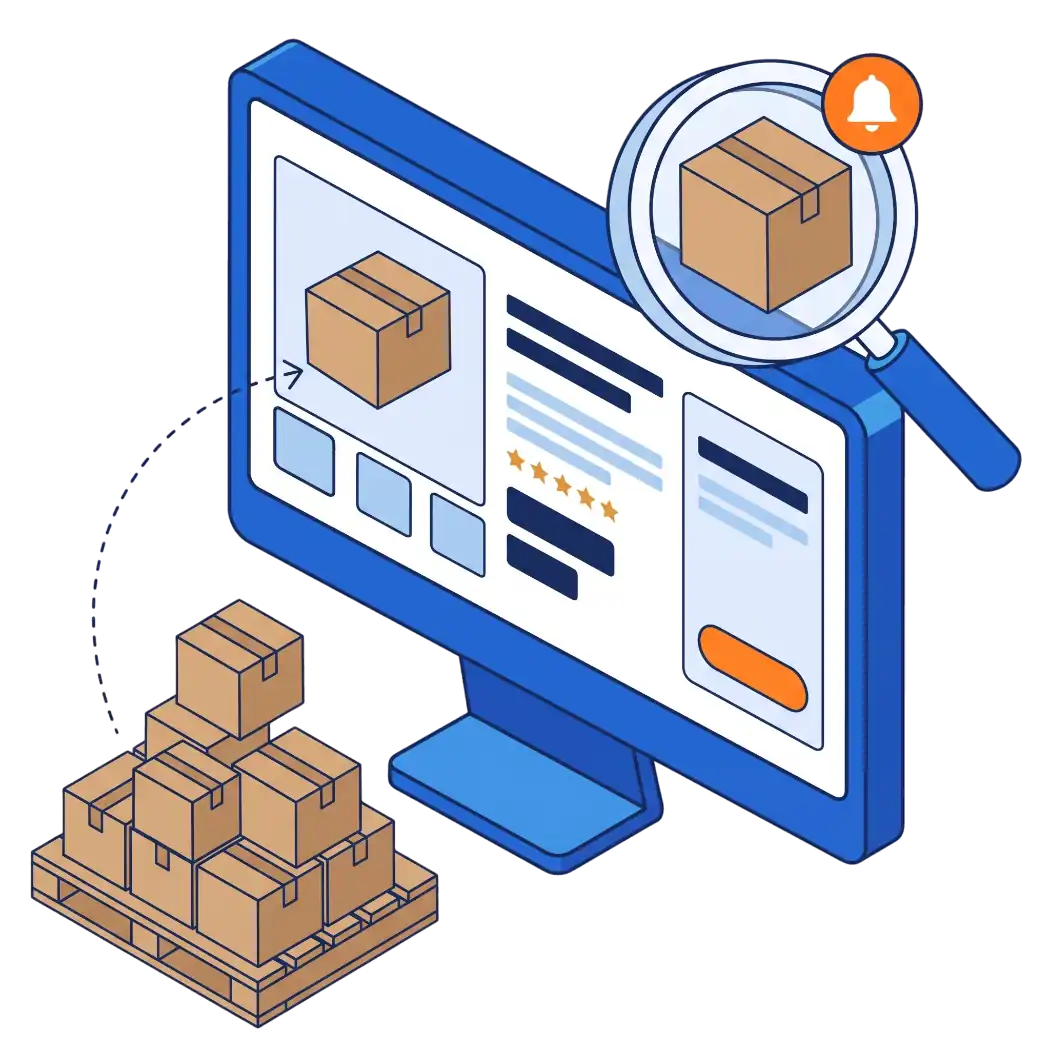
A vendor's product moving from a pallet onto its Amazon product page, watched with a magnifying glass and an alert
Why Monitor Vendor Products

You Sell to Amazon. Your Product Page Is Shared With Others.

As a vendor, you sell your products to Amazon, which then offers them to shoppers. But Amazon may not be the only seller offering your products, and you don't have complete control over how your product pages appear. Here's what to keep an eye on:

  • Amazon Doesn't Always Hold the Buy Box
    Other sellers can win the Buy Box on your products, affecting which offer shoppers see first.
  • Other Sellers Can Offer Your Products on Amazon
    Distributors, retailers and other third-party sellers may offer the same products you sell to Amazon, sometimes at different prices.
  • Your Product Listings Can Change Without Your Input
    Amazon may update product detail pages, and information from other contributors can affect what shoppers see.
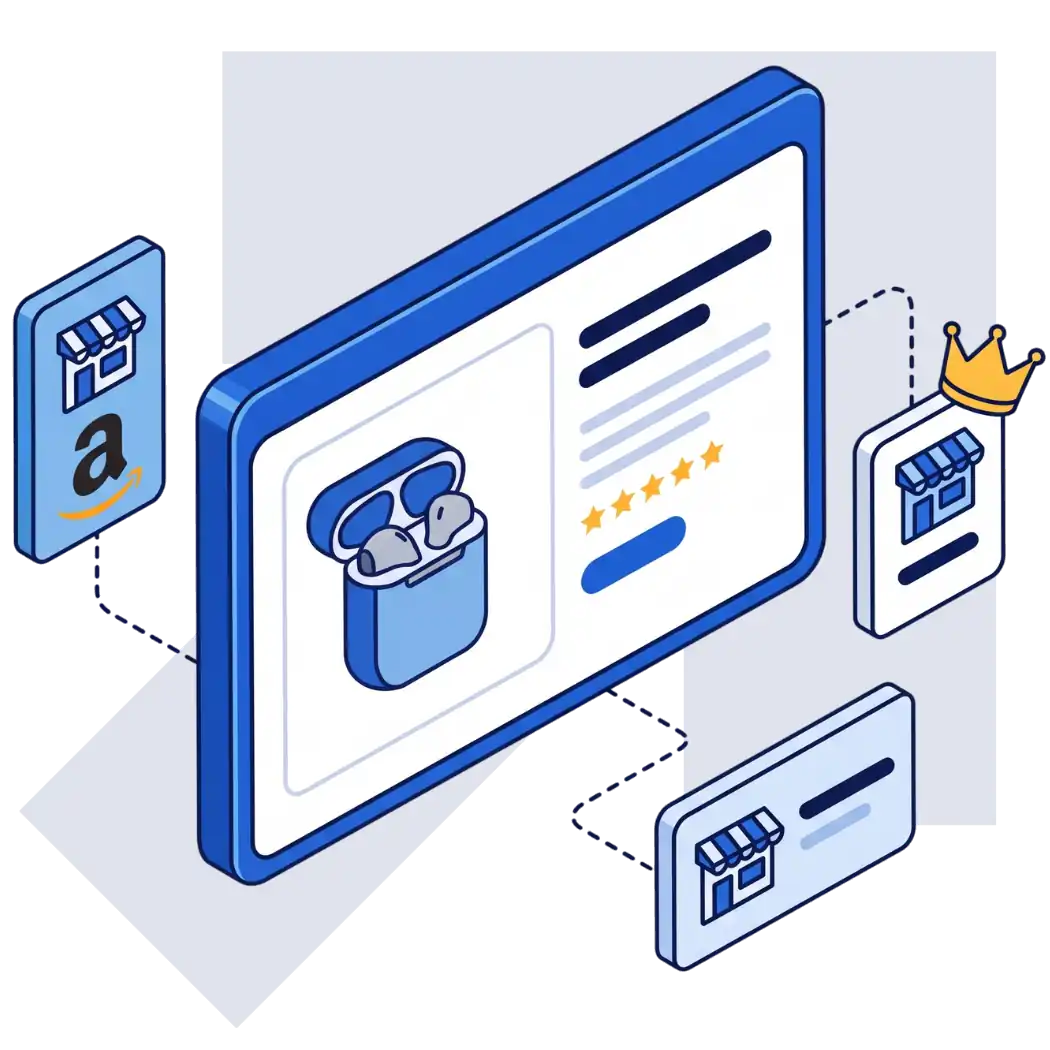
Offers from other sellers on a vendor's Amazon product page, with one of them holding the Buy Box
How AmzMonitor Helps

Monitor Your Products the Way Shoppers See Them

01

See When Amazon Wins or Loses the Buy Box

Mark your products as vendor products, and AmzMonitor treats Amazon's Buy Box wins and losses as your own. Get notified when Amazon loses the Buy Box to another seller, when no offer holds it, and when Amazon wins it back.

  • "Buy Box lost" and "Buy Box won" notifications for Amazon's offer
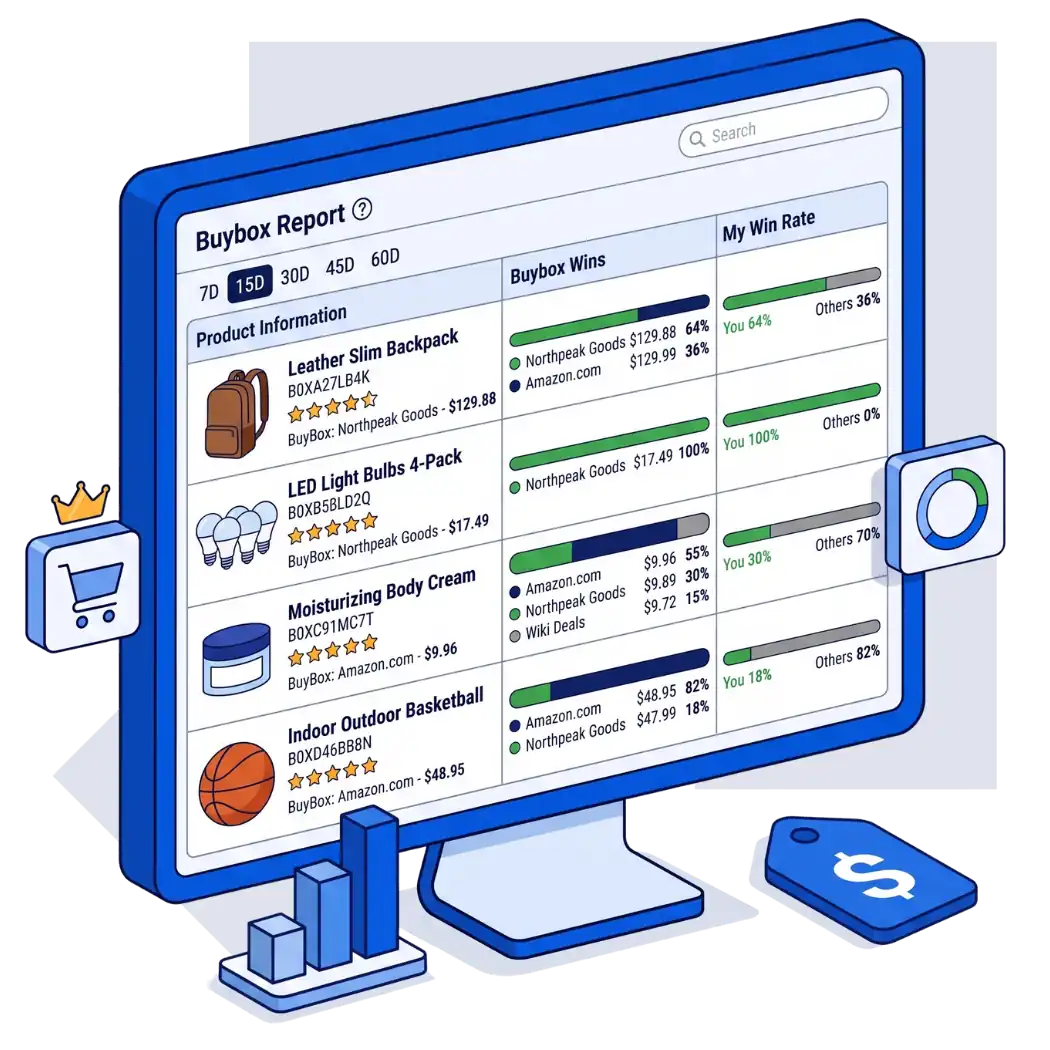
  • Amazon's Buy Box win rate shown as your own in the Buy Box Report
  • Selling as a vendor and a seller? Your own seller account and Amazon both count as yours
  • Mark products one by one, in bulk or for your whole account
Explore the Buy Box Report
Buy Box Report showing Amazon's win rate on a vendor product
02

See Who Else Sells Your Products, and at What Price

Get notified when a seller joins or leaves your listings, and review every seller next to Amazon in the Competing Sellers Report. Look into the sellers you don't recognize and compare them with your list of authorized distributors.

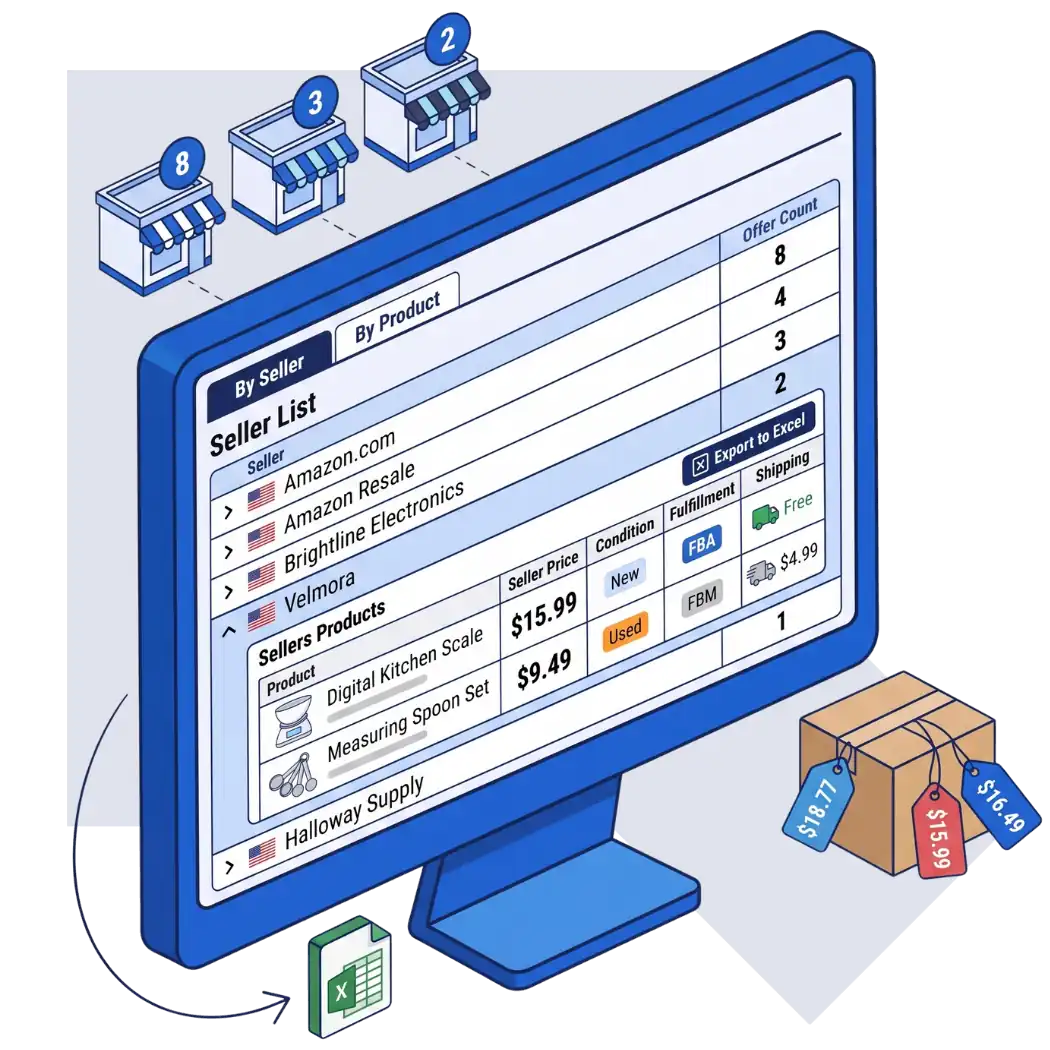
  • Sellers who join or leave, with their price, condition, FBA or FBM and shipping
  • By Seller and By Product views, with filters for brand, Buy Box winners and New condition
  • Set your MAP price to identify offers priced below it
  • Previous and current offer details, ready to export for your team
Explore the Competing Sellers Report
Competing Sellers Report listing every seller on a vendor's products
03

Know When Your Product Page Changes

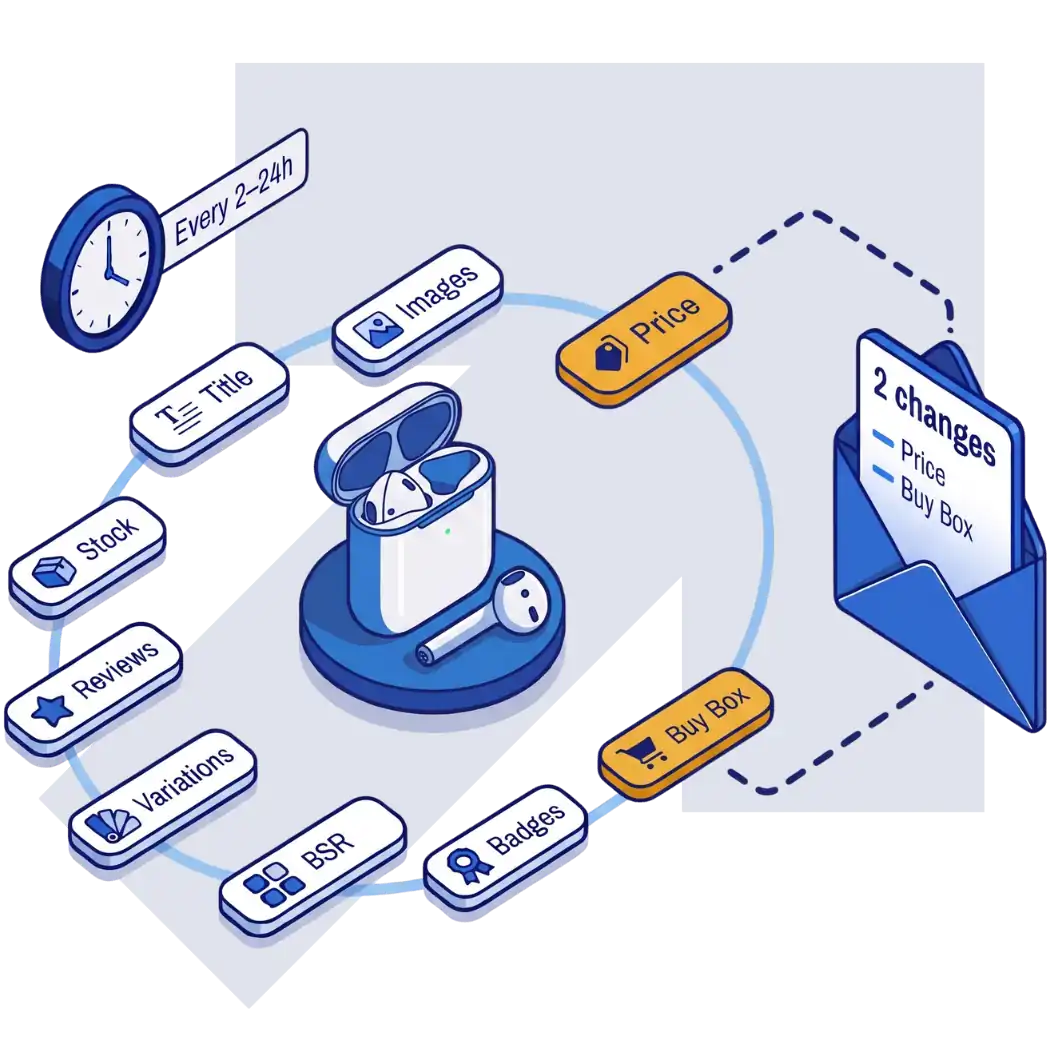
Keep track of the product details shoppers see on Amazon. AmzMonitor monitors your listings and notifies you when titles, bullet points, descriptions, images, or variations change, so you can review unexpected updates.

  • Title, bullet point and description changes, shown side by side
  • Product image changes
  • Variations added or removed, and parent ASIN changes
Explore Listing Alerts
Listing change notification with the previous and current content
How It Works

Set Up Vendor Monitoring in Four Steps

  1. 01

    Mark your products as vendor products

    Turn on "I'm a Vendor" in your Merchant Info, or mark single products as vendor products. No Vendor Central access needed.

  2. 02

    Add your ASINs

    Add your products individually or in bulk, or through the API, and choose how often to monitor them.

  3. 03

    Set MAP prices

    If you have a MAP policy, add your MAP price to each product to see the offers below it.

  4. 04

    Get notified and review

    Get notified when the Buy Box, sellers or your product page change, and follow the trends in the Buy Box and Competing Sellers reports.

AmzMonitor plans and pricing

The number of ASINs you can monitor depends on your plan and your interval.

Check interval

Shorter intervals check your products more often. The ASIN count in each plan changes with the interval.

Free trial

Let's Meet

$12 /mo

Start Free Trial

No Credit Card Required. Try free for 14 days

ASIN Monitoring every 24h
20
Keyword Monitoring every 24h
40
Seller Monitoring every 24h
2
Notification Email Addresses
1
Team Members
–

Bronze

$20 /mo

Buy Now

30-Day Money Back Guarantee

ASIN Monitoring every 24h
50
Keyword Monitoring every 24h
100
Seller Monitoring every 24h
3
Notification Email Addresses
3
Team Members
1

Silver

$35 /mo

Buy Now

30-Day Money Back Guarantee

ASIN Monitoring every 24h
100
Keyword Monitoring every 24h
200
Seller Monitoring every 24h
5
Notification Email Addresses
5
Team Members
2
Best value

Gold

$60 /mo

Buy Now

30-Day Money Back Guarantee

ASIN Monitoring every 24h
300
Keyword Monitoring every 24h
400
Seller Monitoring every 24h
10
Notification Email Addresses
8
Team Members
4

Platinum

$110 /mo

Buy Now

30-Day Money Back Guarantee

ASIN Monitoring every 24h
600
Keyword Monitoring every 24h
1,000
Seller Monitoring every 24h
20
Notification Email Addresses
12
Team Members
6
API access

Diamond

$200 /mo

Buy Now

30-Day Money Back Guarantee

ASIN Monitoring every 24h
1200
Keyword Monitoring every 24h
2,000
Seller Monitoring every 24h
40
Notification Email Addresses
20
Team Members
10

Need more than Diamond? We'll build a custom plan for you. Contact sales

Amazon Vendors FAQ

No. AmzMonitor monitors the public product page, so you only need your ASINs.
When a product is marked as a vendor product, a Buy Box held by Amazon counts as yours. You're notified when Amazon loses or wins it back, and the Buy Box Report shows Amazon's win rate as your own.
Yes. Add your seller account in Merchant Info and mark your vendor products. A Buy Box held by either your seller account or Amazon counts as yours.
AmzMonitor shows every seller on your listings and notifies you when a new one appears. Compare them with your authorized distributors in the Competing Sellers Report.
No. MAP monitoring is optional. If you have a MAP policy, set a MAP price for a product and the MAP Violation Report lists the offers below it.
AmzMonitor supports 18 Amazon marketplaces. Products are monitored at the interval you choose, from every 2 to 24 hours.

See how your products appear on Amazon

14-day free trial. No credit card required.