
Track Every Variation Change with Amazon Variation Alerts

Know when a variation family changes, on your own listings or on competitor listings. Get notified when a monitored ASIN leaves or joins a family or moves to another parent ASIN, when variation options such as sizes and colors are added or removed, and when a sharp rating drop points to a possible review split.

  • No credit card required
  • Monitoring every 2–24 hours
  • 18 Amazon marketplaces
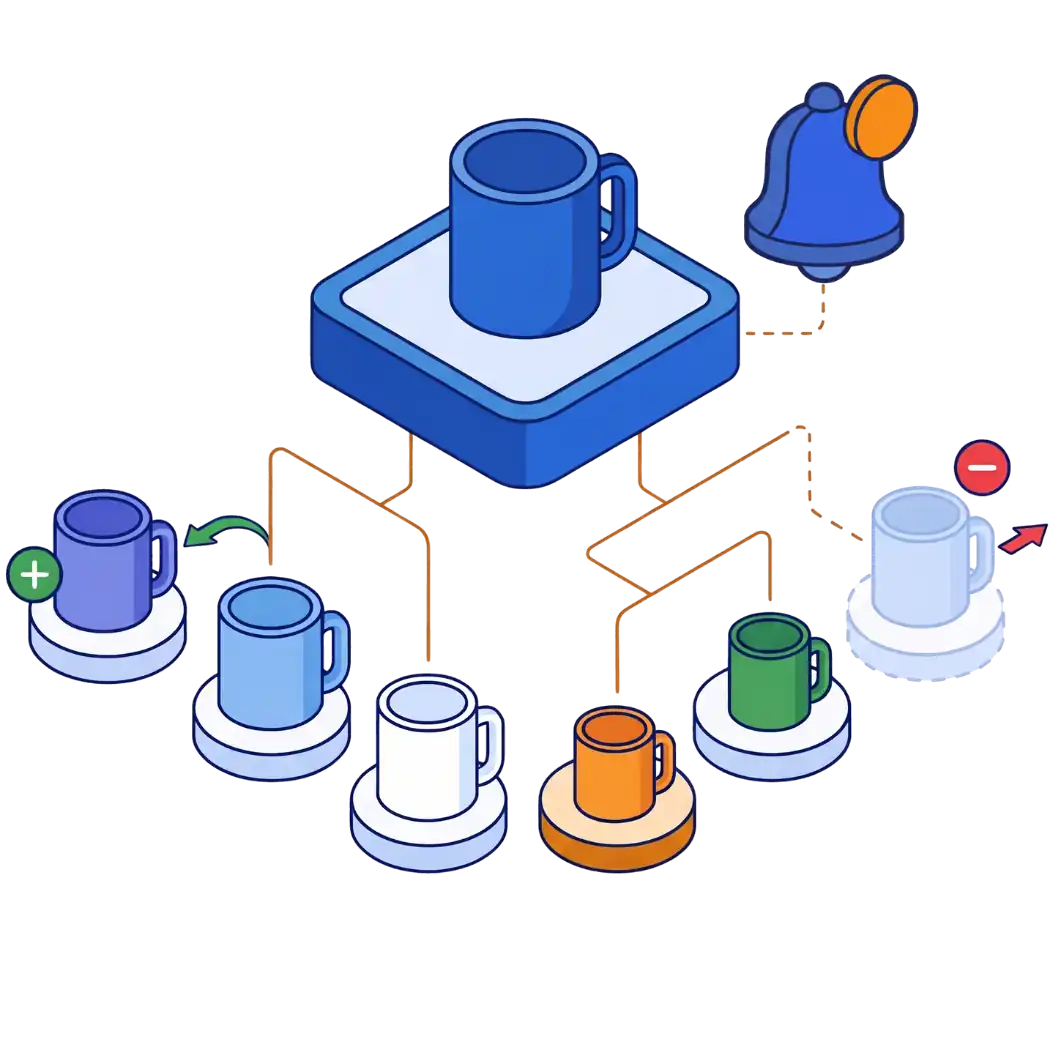
Amazon variation alerts: a child product leaving and a new one joining a variation family
One changed variation family among many monitored Amazon products
Why Variations Matter

Why Monitor Your Amazon Product Variations?

Amazon variation families bring related products, such as different colors and sizes, together under one parent ASIN. Changes to these relationships can affect how shoppers discover your products, how reviews are displayed and which options customers can choose.

  • Keep your products grouped correctly
    When a child ASIN leaves a variation family or moves to another parent, it can lose the visibility it gained from being grouped with related products. Monitoring these changes helps you spot unexpected listing separations early.
  • Keep track of review distribution
    When Amazon changes a variation family, ratings and reviews may no longer be shared across all child ASINs. A sudden drop in rating count can signal a possible separation, helping you investigate before it affects how shoppers perceive your product.
  • Catch changes that can confuse shoppers
    A renamed color, removed size or unexpected variation option can make your listing inconsistent with your actual product range. Spotting these changes helps you correct inaccurate options before they lead to customer confusion or returns.
  • Stay informed about competitor changes
    Competitors can add new colors, sizes or other variation options to their listings. Monitoring their ASINs helps you track how their product ranges evolve and identify new options that could make their listings more appealing to shoppers.
Parent ASIN Changes

Know When Your Parent ASIN Changes

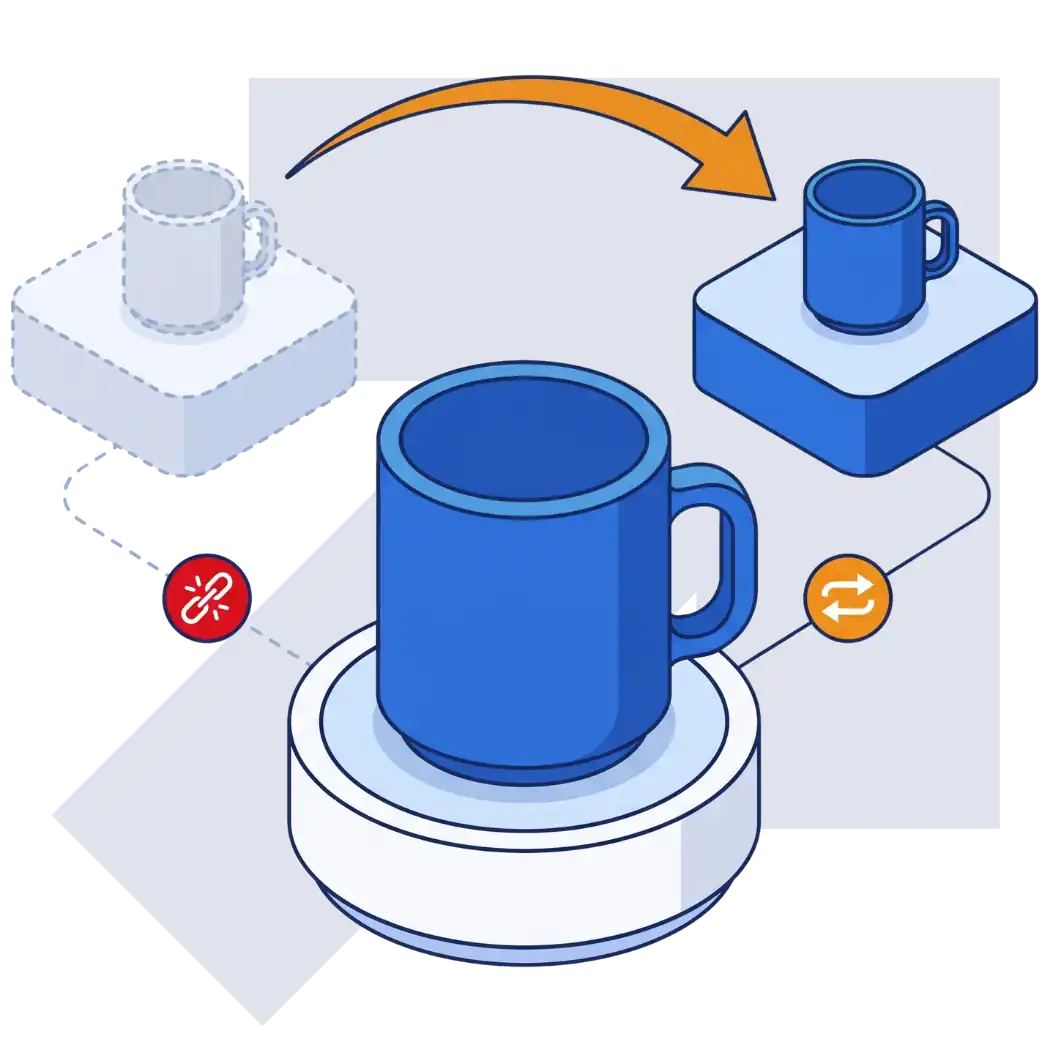
AmzMonitor compares the parent ASIN at every check and records an alert when a product leaves its variation family, joins a new one or moves under another parent. Each alert names the parent ASINs involved. Learn how parent-child relationships work and the risks of a parent ASIN change.

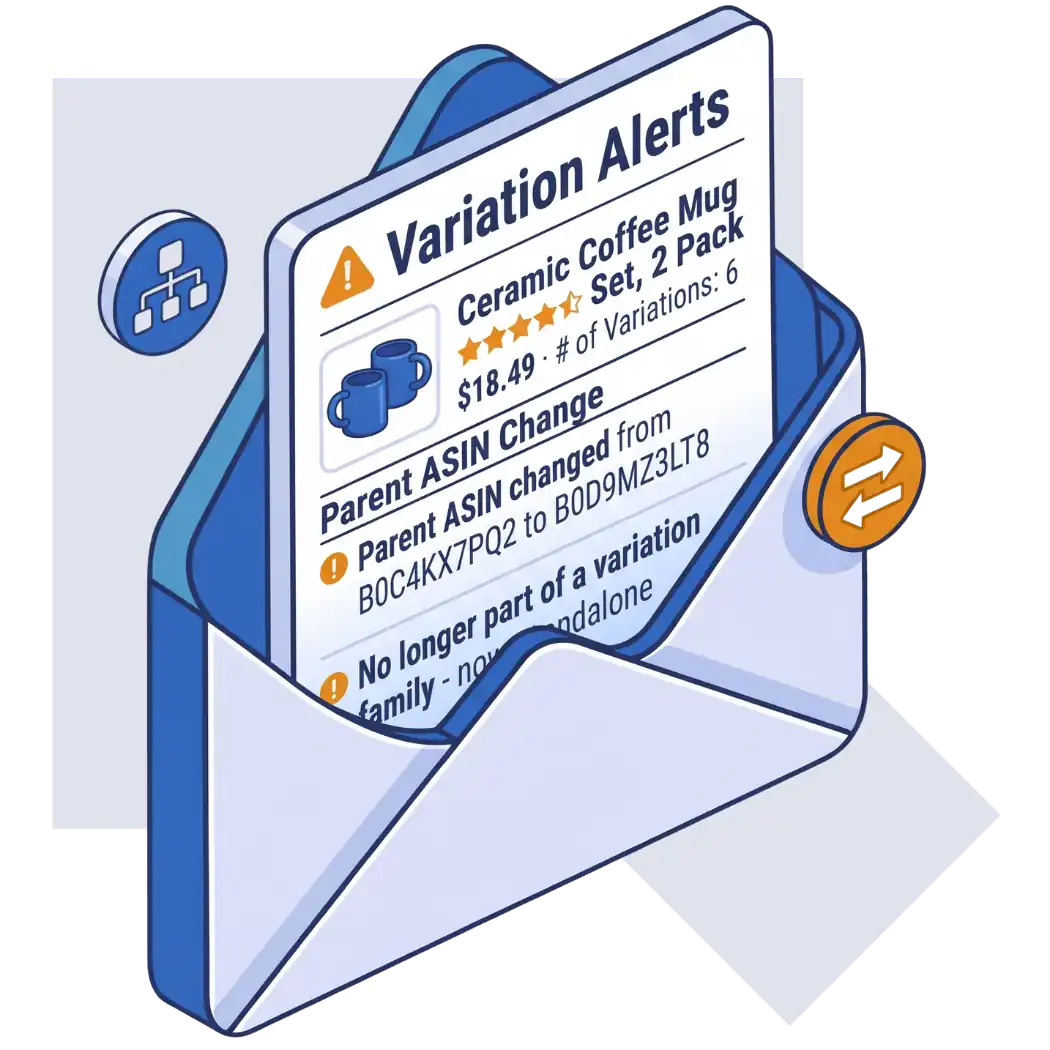
Parent Changed: No longer part of a variation family - now standalone. Previous Parent ASIN: B0PARENT01.Parent Changed: This product is no longer standalone - it is now part of Parent ASIN: B0PARENT02Parent Changed: Parent ASIN has changed from B0PARENT01 to B0PARENT02

An Amazon child ASIN leaving, joining or switching its parent ASIN
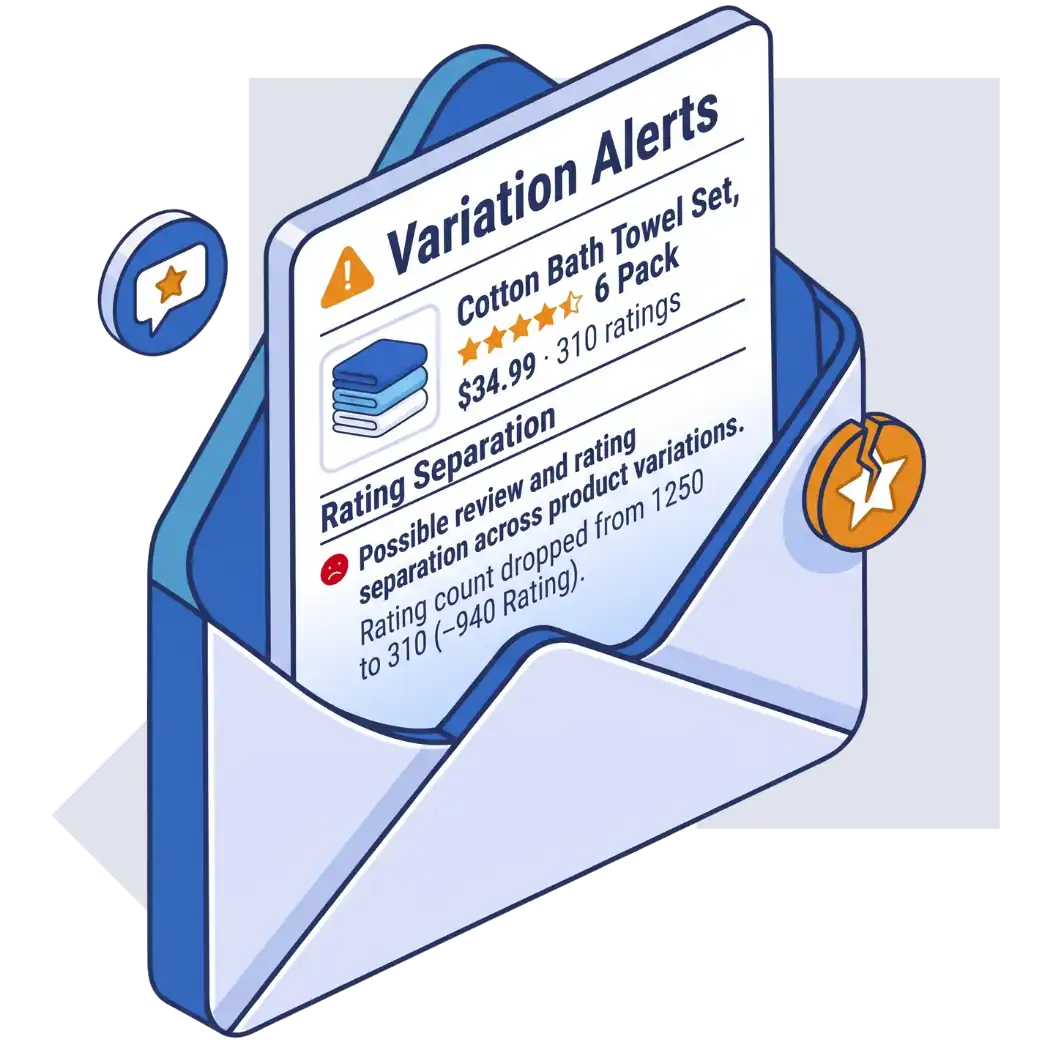
Amazon ratings separating across product variations
Review and Rating Separation

Spot a Possible Review and Rating Separation

When a variation family breaks up, Amazon may stop sharing ratings and reviews across the variations. AmzMonitor flags a sharp drop in your rating count, measured against your product's current number of ratings, so you can review your variation family. For everyday rating and review changes, see Review and Rating Alerts.

Rating Separation: Possible review and rating separation across product variations. Rating count dropped from 1250 to 310 (-940 Rating).

Variation Option Changes

See Every Variation Theme and Option Change

At every check, AmzMonitor reads the variation options shown on your product page, such as the available colors and sizes. AmzMonitor creates an alert when a theme such as "Size" or "Color" is added to or removed from the family, when a new color or size is added or an old one is removed, and when your product's own variation values change. Each alert names the theme and the options involved. An option such as "Red" is usually shared by several child ASINs, so an option alert shows that the family changed. To see which child ASIN changed, add each child to your monitored products.

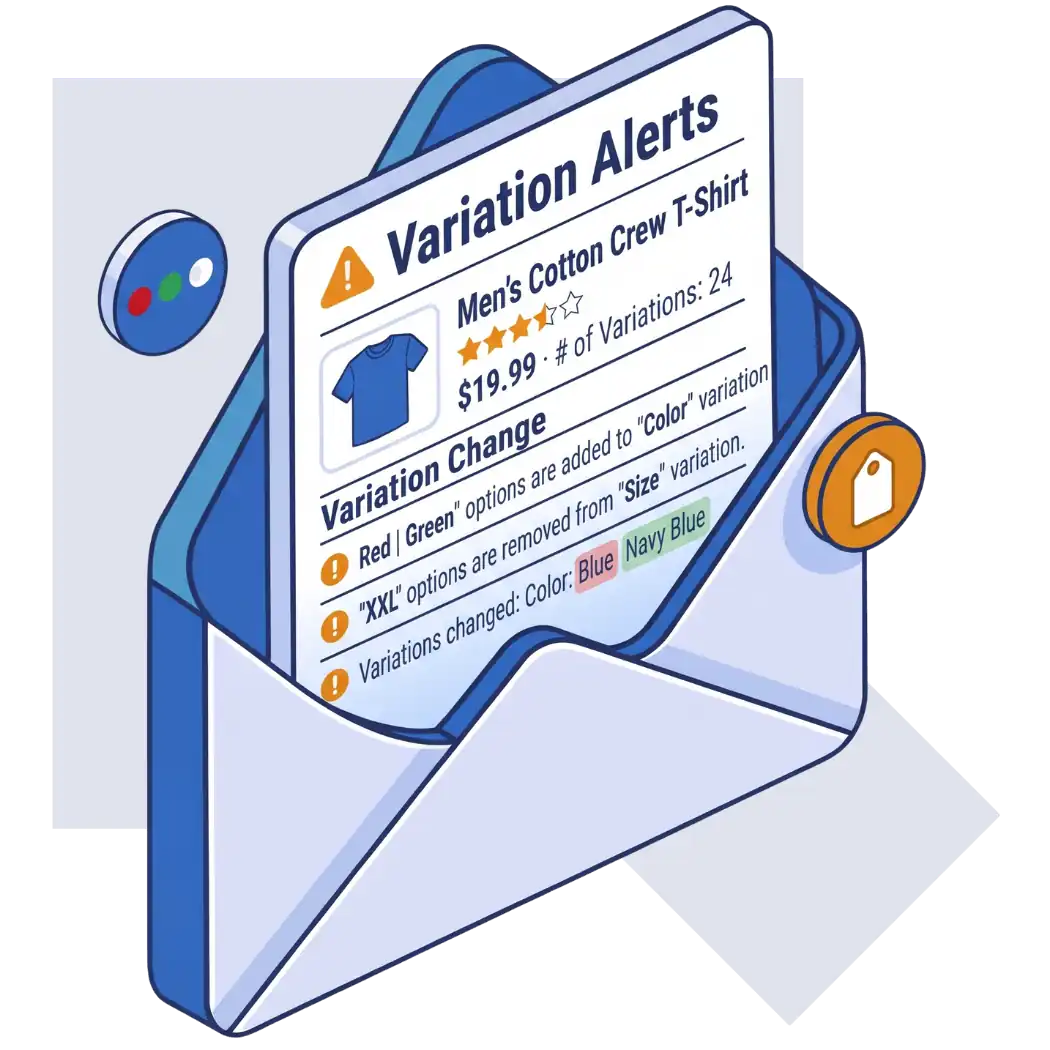
Variation Change: "Size" variation is added with all options.Variation Change: "Pattern" variation is removed with all options.Variation Change: "Red | Green" options are added to "Color" variation.Variation Change: "XXL" options are removed from "Size" variation.Variation Change: Variations changed: Color: Blue Navy Blue

Amazon variation options added to and removed from a variation family
How It Works

How Amazon Variation Alerts Work

  1. 01

    Add your ASINs

    Add products one by one or in bulk, your own or competitor ASINs.

  2. 02

    Set marketplace and interval

    Pick one of 18 marketplaces and a check interval from 2 to 24 hours.

  3. 03

    Choose variation triggers

    Turn the Parent ASIN Change and Variant Info triggers on or off.

  4. 04

    Get notified

    Get an email with the old and new values, then review it in your dashboard.

AmzMonitor plans and pricing

The number of ASINs you can monitor depends on your plan and your interval.

Check interval

Shorter intervals check your products more often. The ASIN count in each plan changes with the interval.

Free trial

Let's Meet

$12 /mo

Start Free Trial

No Credit Card Required. Try free for 14 days

ASIN Monitoring every 24h
20
Keyword Monitoring every 24h
40
Seller Monitoring every 24h
2
Notification Email Addresses
1
Team Members
–

Bronze

$20 /mo

Buy Now

30-Day Money Back Guarantee

ASIN Monitoring every 24h
50
Keyword Monitoring every 24h
100
Seller Monitoring every 24h
3
Notification Email Addresses
3
Team Members
1

Silver

$35 /mo

Buy Now

30-Day Money Back Guarantee

ASIN Monitoring every 24h
100
Keyword Monitoring every 24h
200
Seller Monitoring every 24h
5
Notification Email Addresses
5
Team Members
2
Best value

Gold

$60 /mo

Buy Now

30-Day Money Back Guarantee

ASIN Monitoring every 24h
300
Keyword Monitoring every 24h
400
Seller Monitoring every 24h
10
Notification Email Addresses
8
Team Members
4

Platinum

$110 /mo

Buy Now

30-Day Money Back Guarantee

ASIN Monitoring every 24h
600
Keyword Monitoring every 24h
1,000
Seller Monitoring every 24h
20
Notification Email Addresses
12
Team Members
6
API access

Diamond

$200 /mo

Buy Now

30-Day Money Back Guarantee

ASIN Monitoring every 24h
1200
Keyword Monitoring every 24h
2,000
Seller Monitoring every 24h
40
Notification Email Addresses
20
Team Members
10

Need more than Diamond? We'll build a custom plan for you. Contact sales

Amazon Variation Alerts FAQ

A parent ASIN is a virtual catalog entry, not an actual purchasable product. It groups related child ASINs, such as different colors or sizes, under a single product detail page. It may change when the variation relationships are modified, a child ASIN is moved to another parent, or Amazon reorganizes its catalog. Read the parent-child relationships guide.
Yes. AmzMonitor detects when a child ASIN leaves its variation family, whether it becomes a standalone listing or joins a different parent ASIN. The notification shows the previous and new parent information so you can see exactly what changed.
AmzMonitor monitors the rating count displayed on your product page and flags significant drops that may indicate reviews have become separated from other variations. This alert helps you identify a possible variation family issue and investigate further. It does not directly confirm that reviews have been separated.
AmzMonitor reads the variation options on each product page at every check and tracks two things. The first is the product's own variation values, such as its color or size, for example Color: Blue changing to Navy Blue. The second is the option list of the whole family: AmzMonitor creates an alert when a theme such as "Size" is added or removed, or when an option such as "Red" or "XXL" is added to or removed from the family. To see which child ASIN changed, add each child to your monitored products. Turn these alerts on or off with the Variant Info trigger in your notification trigger settings.
When you add a single ASIN, AmzMonitor tracks the variation options associated with it, including when colors, sizes or other options are added to or removed from the family. It also monitors that ASIN's relationship with its parent: whether it becomes standalone, joins a variation family or moves to a different parent ASIN. However, it does not track the parent relationships of other child ASINs in the same family. If you want to monitor the parent relationship of every child ASIN, you need to add each one to your monitored products.
Yes. You can add a standalone ASIN to AmzMonitor even if it has no variations. If it later becomes part of a variation family, AmzMonitor detects the change and notifies you with the new parent ASIN. You can then monitor changes to its variation themes and options as they are added or updated.
Yes. AmzMonitor lets you enable or disable notification triggers for Parent ASIN Changes and Variant Info Changes. This allows you to choose whether you want alerts about changes to variation family relationships, variation themes and their options.

Start Monitoring Your Amazon Variations Today

14-day free trial. No credit card required.