


Monitor Every Client's Listings in One Place

Built for Amazon agencies, consultants and VAs. Track every client ASIN in one AmzMonitor account, send each client's notifications to the right people and review changes brand by brand, without checking every listing by hand.

  • Multiple clients, one account
  • Notifications by brand
  • Data export
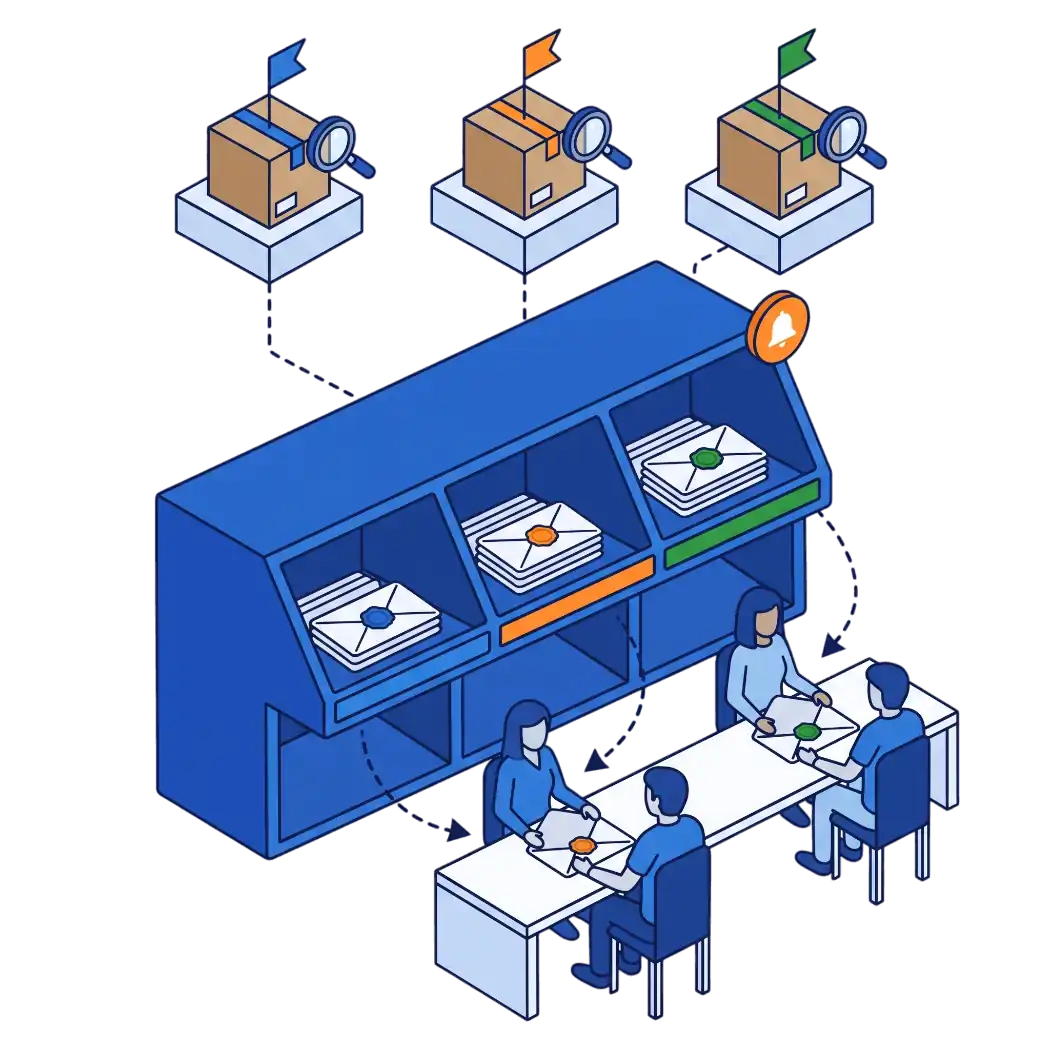
Client products monitored and their updates sorted by client to the right people on an agency team
Amazon Monitoring for Agencies

Checking Client Listings by Hand Doesn't Scale

Agencies, consultants and virtual assistants look after many brands at once. Monitoring each client's listings by hand gets harder with every new account:

  • AmzMonitor monitors it for you
    AmzMonitor monitors each client's products, keywords and competitor sellers, sends notifications to the right people and keeps reports and dashboards ready for every brand.
  • Too many listings, limited access
    Every new client adds dozens or hundreds of ASINs, often in more than one marketplace, and not every client wants to share Seller Central or Vendor Central access just for monitoring.
  • Notifications get mixed up
    When every client's changes land in one inbox, the important one is easy to miss.
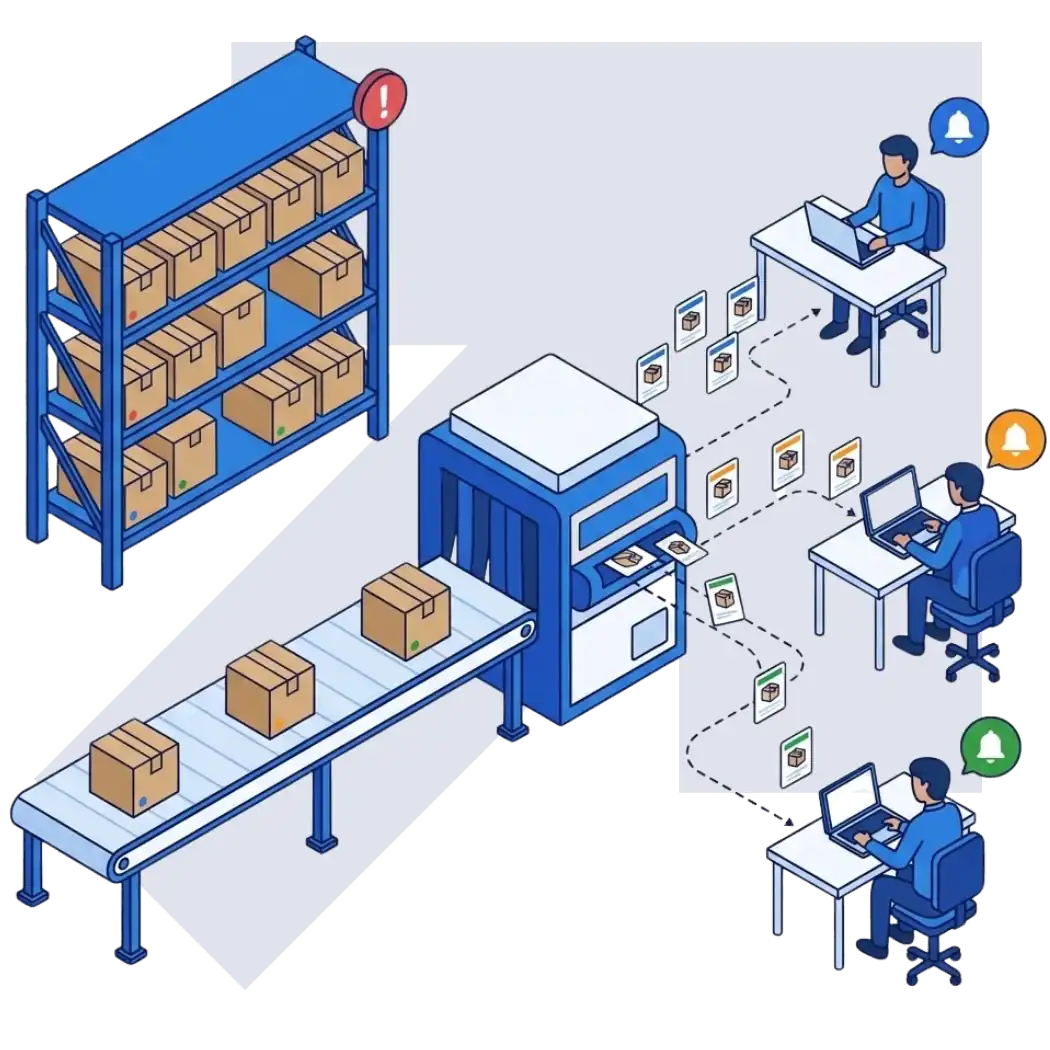
Many client products sorted into grouped updates for three agency team members
How AmzMonitor Helps

Keep Every Client's Listings in One Workflow

01

Start Monitoring With Just ASINs

Start monitoring a new client's products without waiting for account permissions. AmzMonitor tracks public Amazon product pages, so you don't need Seller Central or Vendor Central access.

  • Add products individually, upload ASINs in bulk using an Excel file, or add them through the API
  • Monitor products across 18 Amazon marketplaces
  • Set monitoring intervals from every 2 to 24 hours
How to add products
Watching a client's public product page with ASIN tags, without opening the locked account door
02

Send Each Client's Notifications to the Right People

Keep each client's alerts with the people responsible for that account. Create a Notification Group for each client or team, then assign it to the relevant products.

  • Add one or more recipients to each group, such as an account manager and a client contact
  • Assign groups to products individually or in bulk using an Excel file
  • Reuse groups across product, keyword and seller monitoring
  • Choose which changes trigger notifications
  • Give account managers their own login with Team Members
How Notification Groups work
Notification groups assigned to client products
03

Keep Client Notifications Organized by Brand

When you manage multiple brands, keeping up with every change can clutter your inbox. AmzMonitor helps you review updates by brand and reduce the number of notifications you receive.

  • Organize product notifications by brand to review each client's changes separately
  • Receive one consolidated summary per monitoring interval instead of a separate notification for every change
See the notification settings
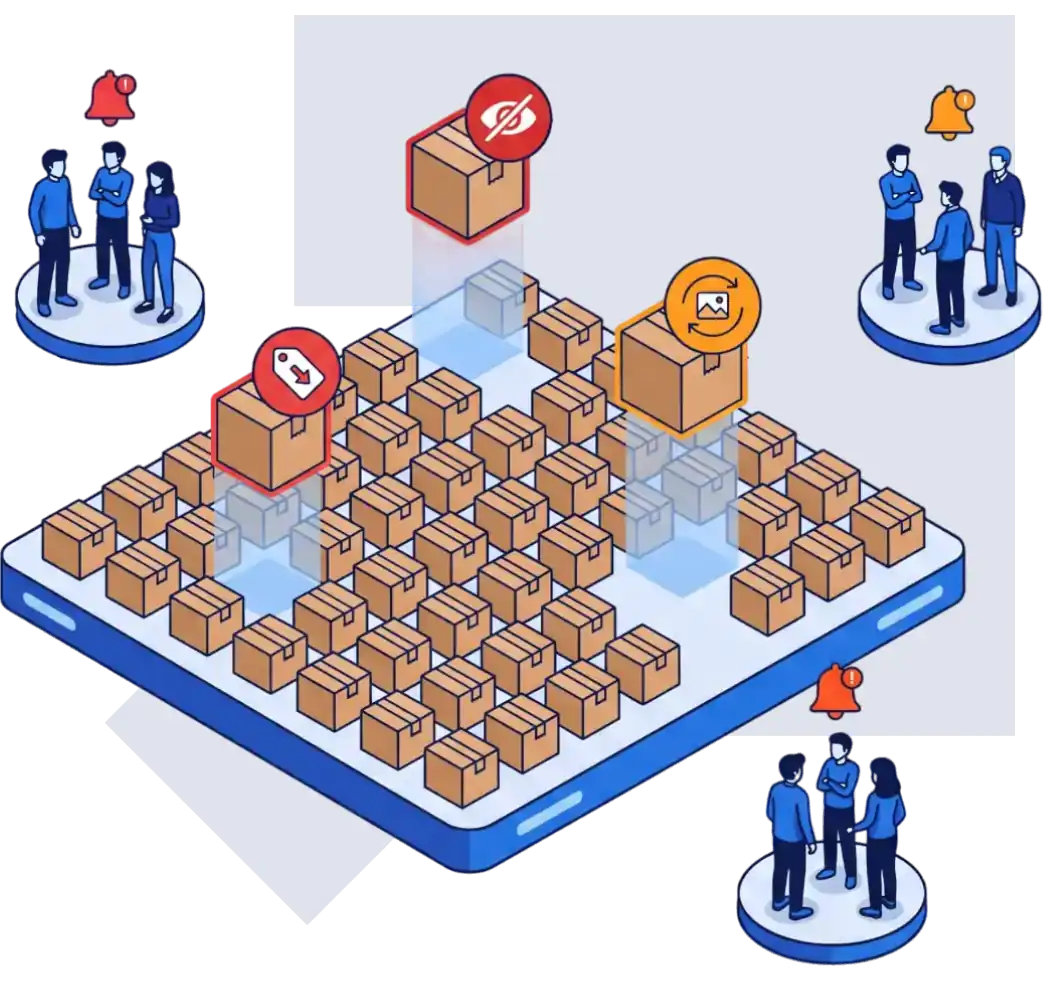
Scattered notifications sorted into brand folders and bundled into one summary per brand
04

Export Monitoring Data for Client Reports

Use the data in your AmzMonitor dashboard to prepare client reports without collecting every detail manually.

  • Buy Box ownership and win rates
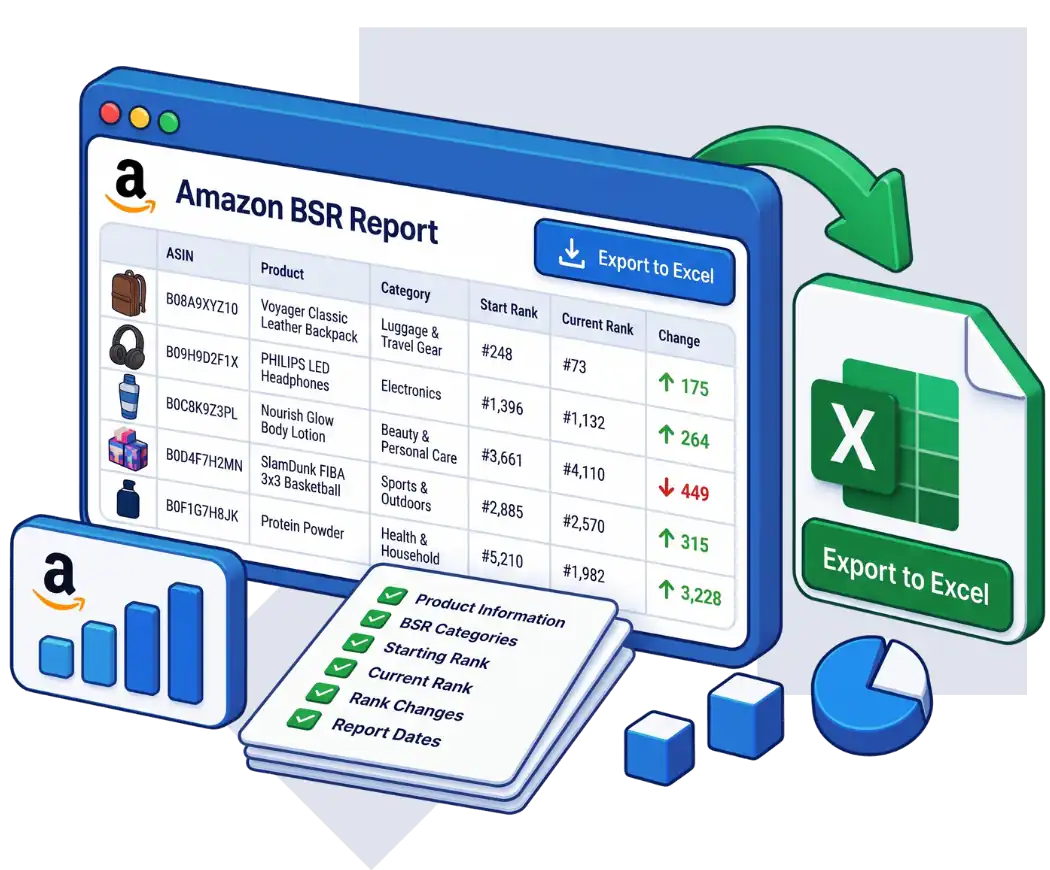
  • Best Sellers Rank (BSR) changes across categories
  • MAP violations and competing seller offers
  • Keyword rankings and competitor product catalogs
See all reports
Exporting monitoring data for a client report
How It Works

Monitor Client Products in Four Steps

  1. 01

    Add client ASINs

    Add the products you manage individually or in bulk.

  2. 02

    Choose who gets notified

    Add the right people to a Notification Group and assign it to the products they work on.

  3. 03

    Organize your notifications

    Turn on notifications by brand and consolidated notifications to get one summary per interval, grouped by client brand.

  4. 04

    Analyze and serve your clients

    Analyze notifications and reports, spot what needs action and export the data to deliver better service to your clients.

AmzMonitor plans and pricing

The number of ASINs you can monitor depends on your plan and your interval.

Check interval

Shorter intervals check your products more often. The ASIN count in each plan changes with the interval.

Free trial

Let's Meet

$12 /mo

Start Free Trial

No Credit Card Required. Try free for 14 days

ASIN Monitoring every 24h
20
Keyword Monitoring every 24h
40
Seller Monitoring every 24h
2
Notification Email Addresses
1
Team Members
–

Bronze

$20 /mo

Buy Now

30-Day Money Back Guarantee

ASIN Monitoring every 24h
50
Keyword Monitoring every 24h
100
Seller Monitoring every 24h
3
Notification Email Addresses
3
Team Members
1

Silver

$35 /mo

Buy Now

30-Day Money Back Guarantee

ASIN Monitoring every 24h
100
Keyword Monitoring every 24h
200
Seller Monitoring every 24h
5
Notification Email Addresses
5
Team Members
2
Best value

Gold

$60 /mo

Buy Now

30-Day Money Back Guarantee

ASIN Monitoring every 24h
300
Keyword Monitoring every 24h
400
Seller Monitoring every 24h
10
Notification Email Addresses
8
Team Members
4

Platinum

$110 /mo

Buy Now

30-Day Money Back Guarantee

ASIN Monitoring every 24h
600
Keyword Monitoring every 24h
1,000
Seller Monitoring every 24h
20
Notification Email Addresses
12
Team Members
6
API access

Diamond

$200 /mo

Buy Now

30-Day Money Back Guarantee

ASIN Monitoring every 24h
1200
Keyword Monitoring every 24h
2,000
Seller Monitoring every 24h
40
Notification Email Addresses
20
Team Members
10

Need more than Diamond? We'll build a custom plan for you. Contact sales

Amazon Agencies FAQ

No. AmzMonitor monitors the public product page, so you only need their ASINs.
Yes. Create a Notification Group for each client and assign it to their products, individually or in bulk.
Yes. Add team members and they sign in with their own email. They can use every feature except subscription, monitoring interval and team settings. The number of team members depends on your plan.
Yes. Turn on Product Notification By Brand in your notification settings.
Yes. You can export your monitoring data and use it in your own client reports.
It depends on your plan and the interval you choose. See plans and pricing, or contact us for a custom plan.

Keep client listing changes in one workflow

14-day free trial. No credit card required.