
See Every Seller Offering Your Products on Amazon

Track every seller competing on your Amazon listings. Compare prices, product conditions, fulfillment methods, and shipping costs in one report. View competing sellers by product or seller, and get notified when their details change.

  • No credit card required
  • Monitoring every 2–24 hours
  • Export to Excel
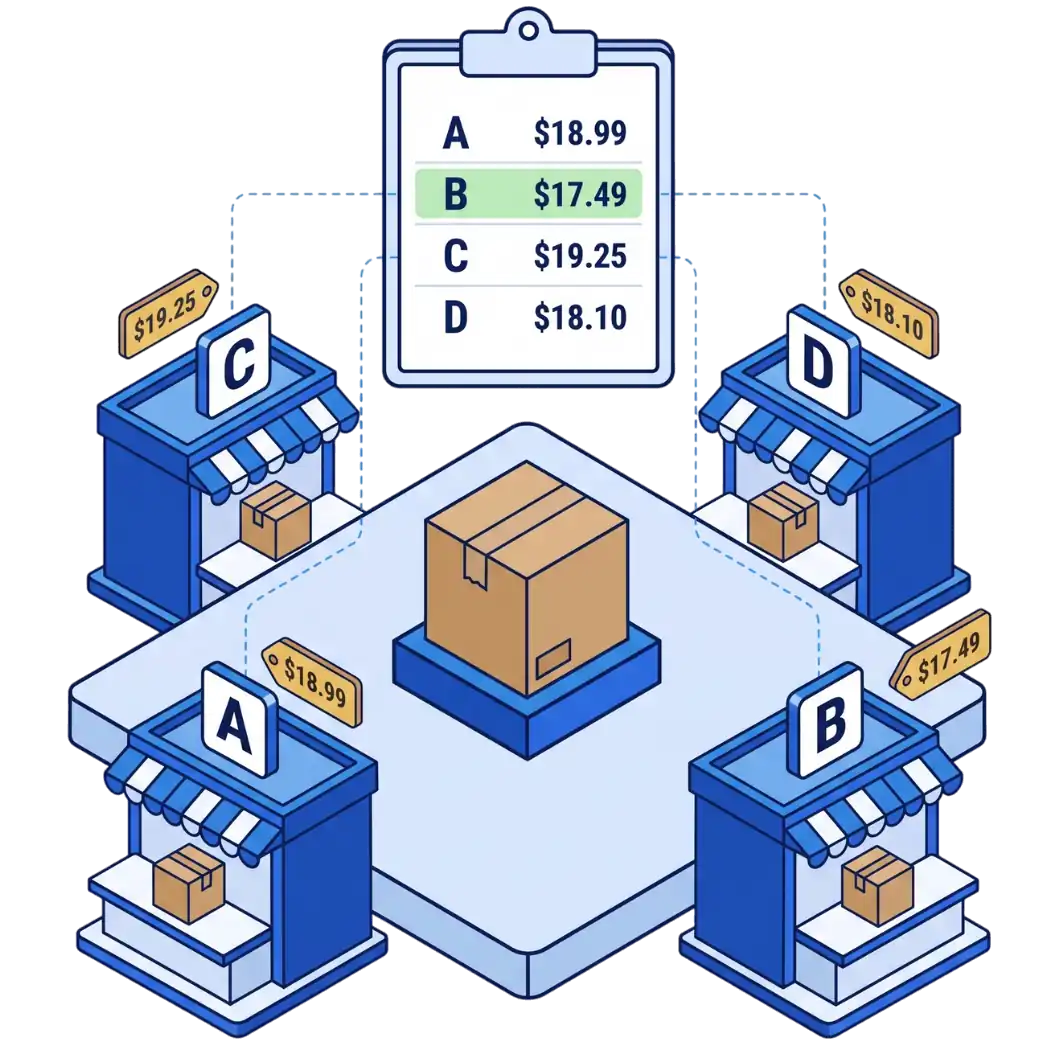
Amazon competing sellers: four sellers offering the same product, with their prices collected in one table
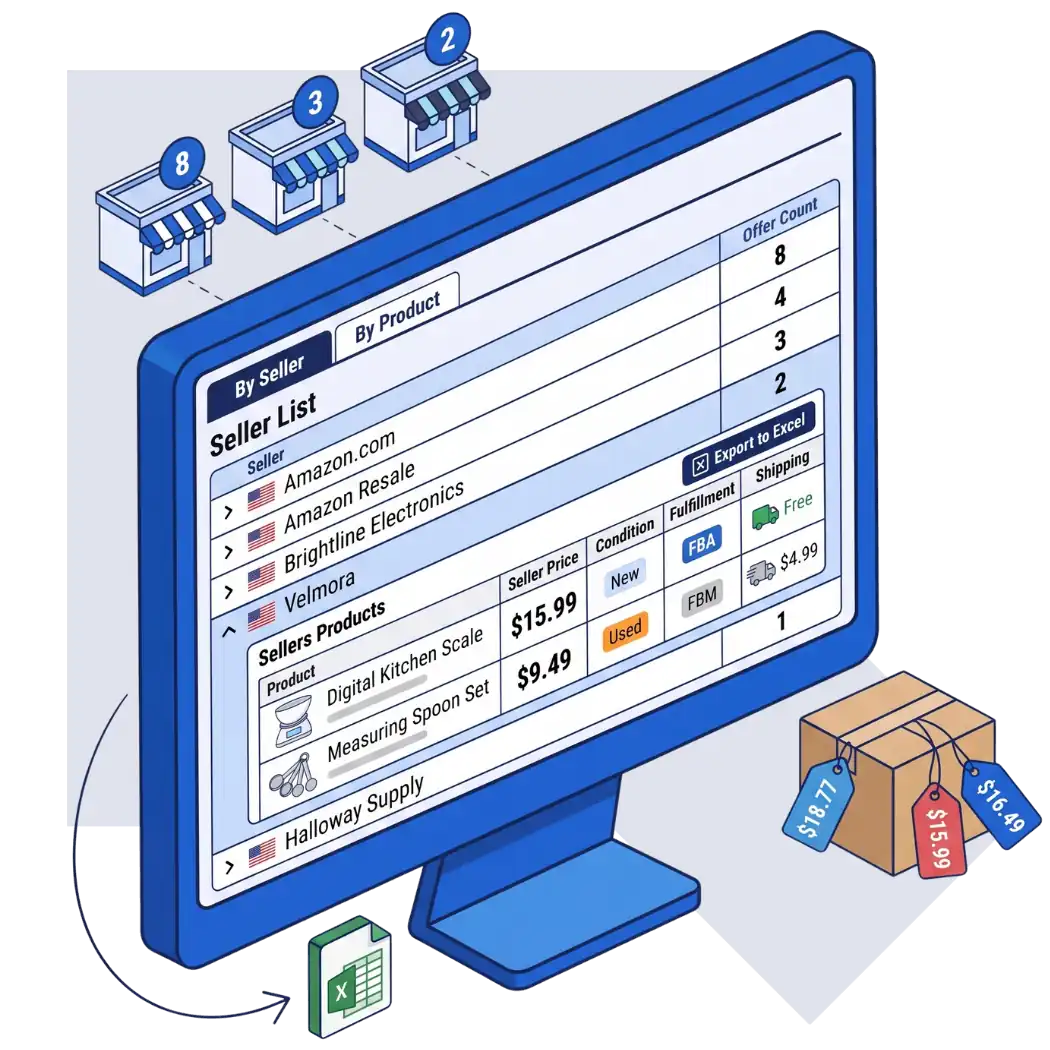
AmzMonitor Competing Sellers Report: sellers on your monitored listings and how many of your products each one offers
Amazon Competing Sellers

Who Else Is Selling on Your Amazon Listings?

Multiple sellers can offer the same product on Amazon, and new sellers or changing offers can easily go unnoticed. As your catalog grows, manually checking every ASIN to see who's selling your products and how their offers change becomes increasingly time-consuming:

  • Sellers come and go
    New sellers can join your Amazon listings without you noticing and disappear just as quickly. Without regular monitoring, you can easily miss who's selling your products.
  • Offers keep changing
    Competing sellers can change their prices, product conditions, fulfillment methods, and shipping costs at any time, making it difficult to keep track of their offers.
  • Stay on Top of Your Competing Sellers
    AmzMonitor tracks sellers across your monitored listings, records every change to their offers as an alert, and notifies you about it. Use detailed reports to analyze competing sellers by product or seller, compare their offers, and keep track of your competition across your catalog.
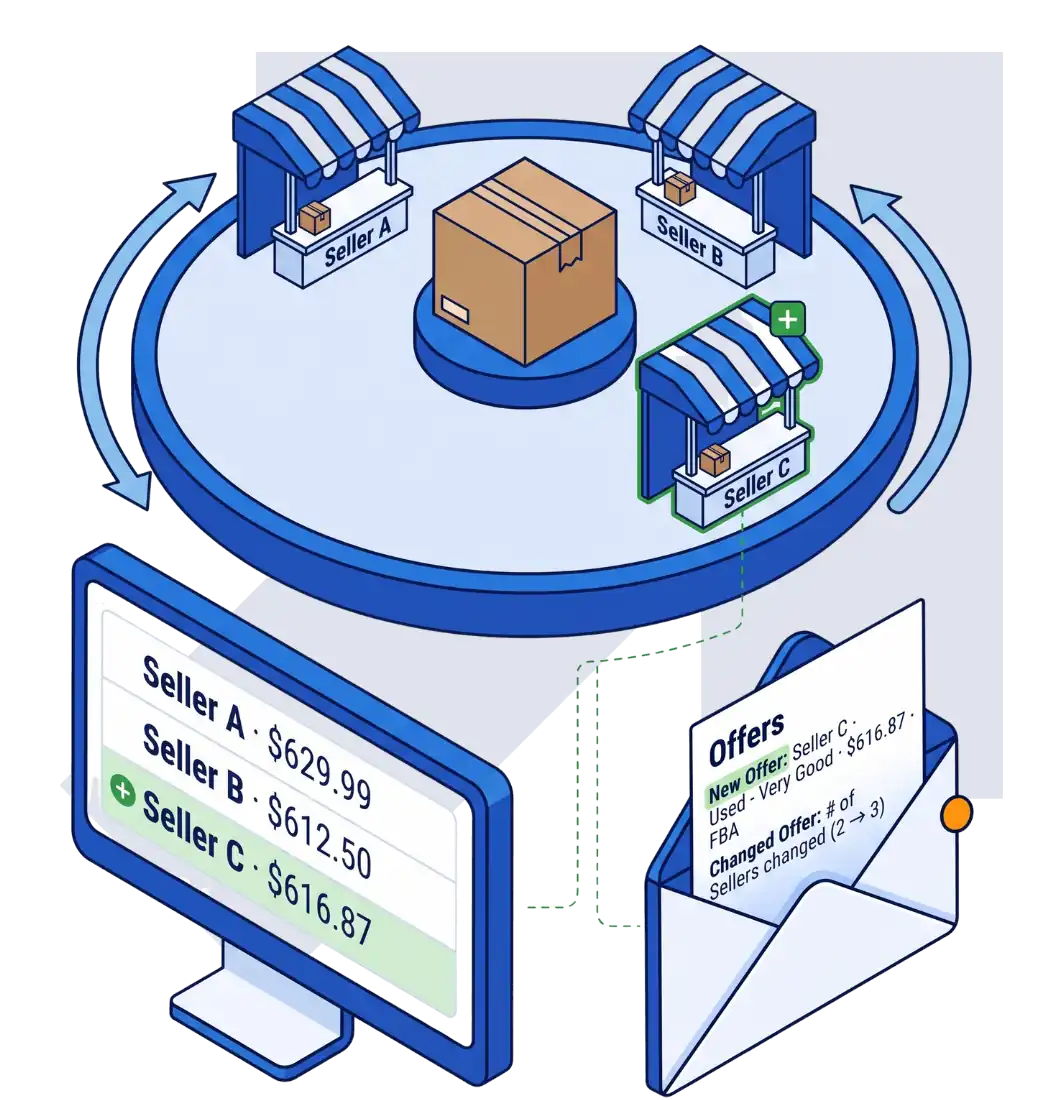
A new seller joins an Amazon listing and appears in the competing sellers report and in a new offer notification
How It Works

How the Competing Sellers Report Works

  1. 01

    Add your products

    Add your ASINs to the Product Monitor, individually or in bulk, to start monitoring your listings.

  2. 02

    Track competing sellers

    AmzMonitor monitors your listings at your selected interval, from every 2 to 24 hours, and records seller details such as price, product condition, fulfillment method, and shipping costs.

  3. 03

    Analyze sellers by product or seller

    Use the By Product view to see who's offering each ASIN, or the By Seller view to find which of your monitored products each seller offers. Filter the results and export your data.

  4. 04

    Get notified when offers change

    Every seller who joins or leaves your monitored listings, and every change to their tracked offer details, is saved as an alert. Turn on notifications to stay informed without constantly checking the report.

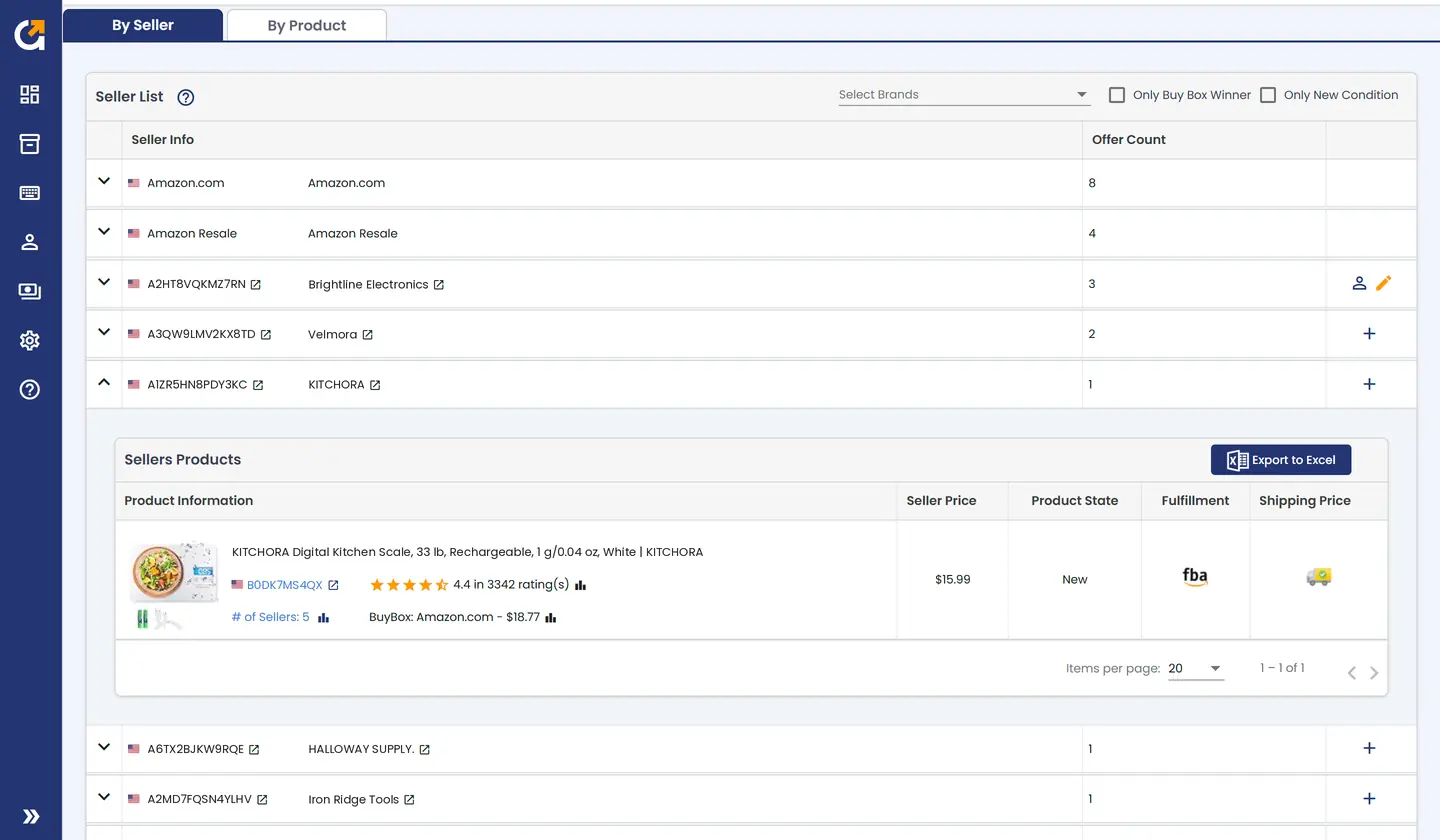
Competing Sellers Report By Seller view: each seller with the number of your products they offer, expanded to show their offers
By Seller

See Which of Your Products Each Competitor Sells

See every seller offering your monitored products in one list, along with the number of your listings they sell on. See how the report works

  • Expand a seller
    See which of your listings you share with each seller, including their price, product condition, fulfillment method, and shipping costs for every listing.
  • Filter the list
    Narrow the results by brand, show only Buy Box winners, or view offers in New condition.
  • Monitor a seller's entire catalog
    Add a seller to Seller Monitoring directly from the list to track their broader catalog, beyond the products you have in common.
  • Export your data
    Export your seller data for further analysis and reporting.
By Product

See Every Active Seller on Each Product

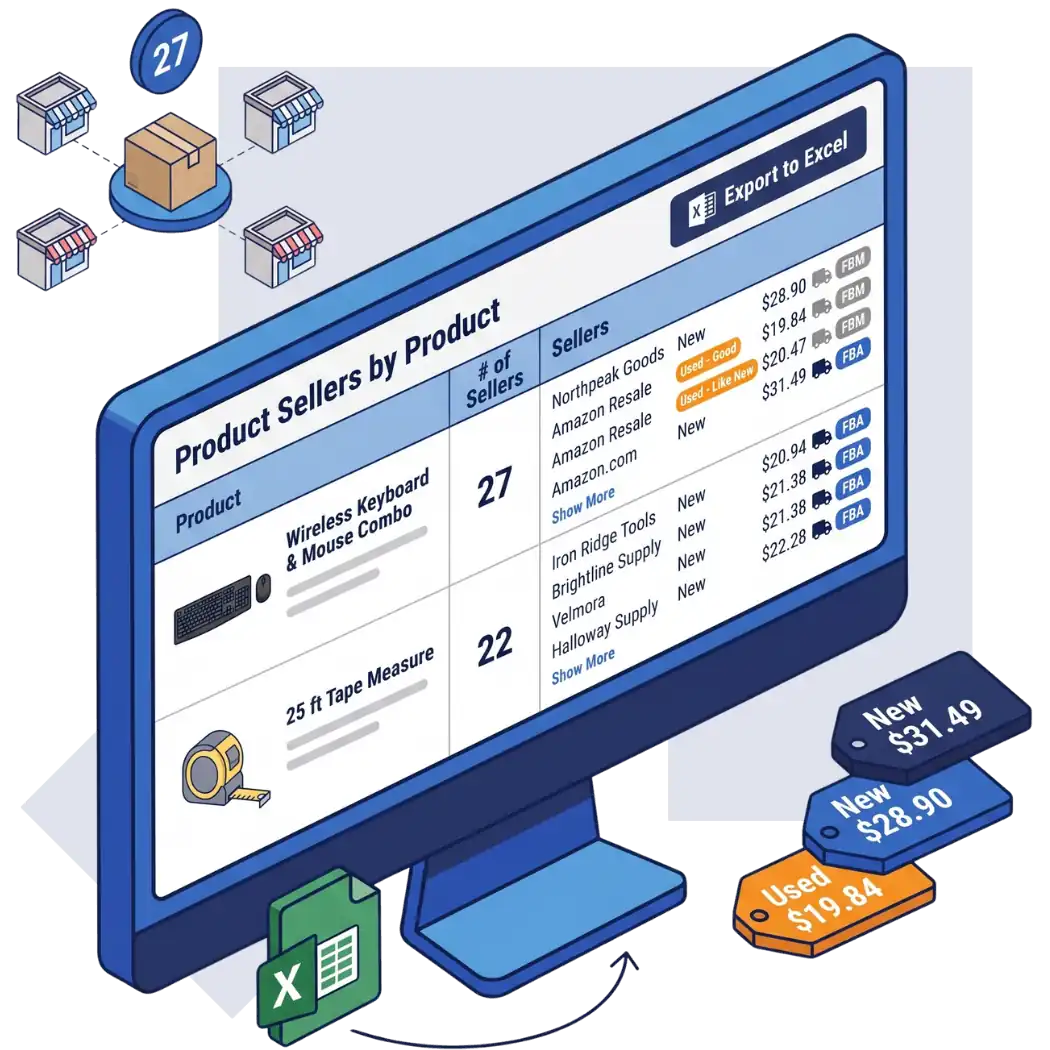
View all active sellers across your monitored products in one report. See how many sellers offer each ASIN and compare their prices, product conditions, fulfillment methods, and shipping costs.

  • See all sellers in one row
    The top 5 sellers appear first. Click Show More to view the full seller list for any product.
  • Find listings with more sellers
    Sort by number of sellers or filter products by seller count: fewer than 3, 3 to 5, 5 to 10, or more than 10 sellers.
  • Search and filter your products
    Find products by ASIN or title, filter for offers in New condition, and export your data for further analysis.
Competing Sellers Report By Product view: number of sellers and every seller's offer for each listing
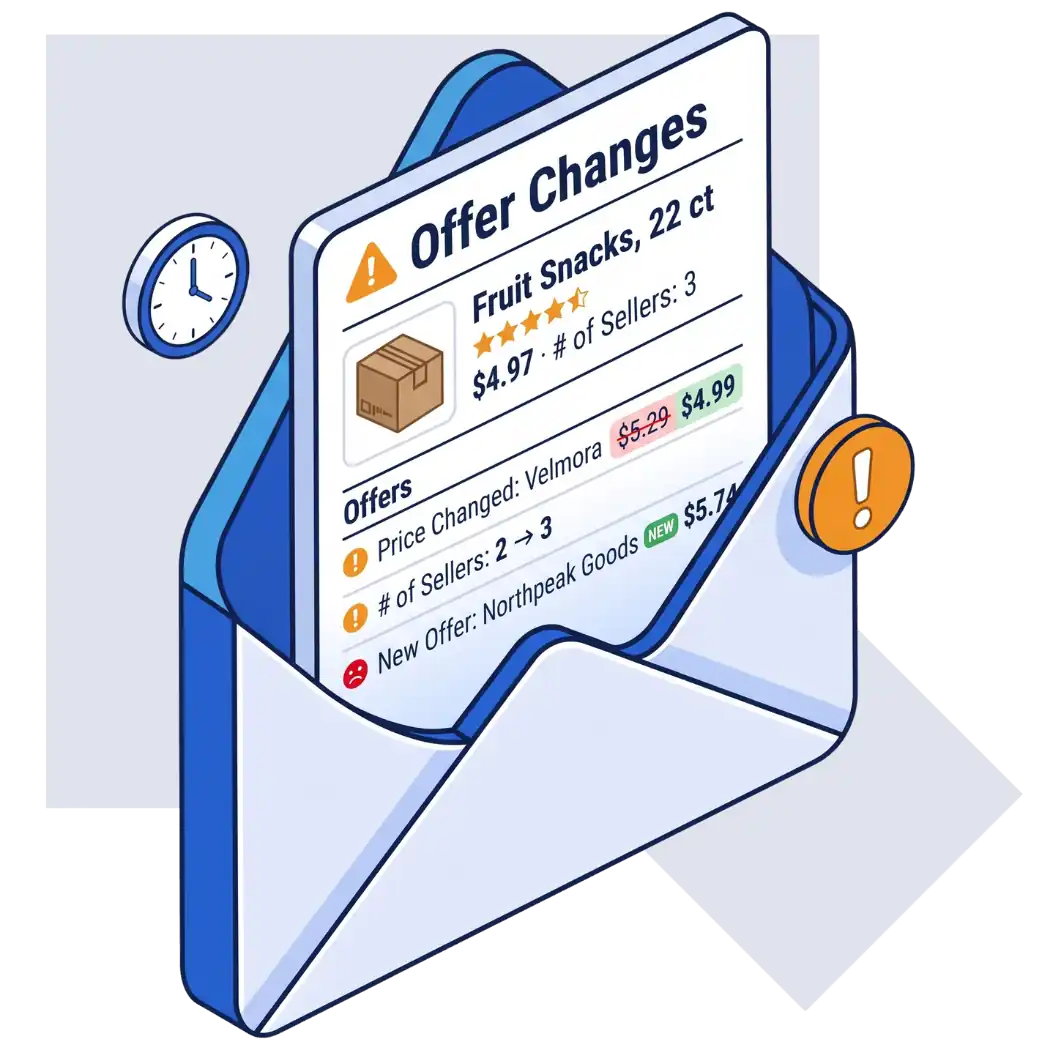
AmzMonitor seller alert showing new, removed and changed offers on a monitored Amazon listing
Seller Alerts

Get Notified When Sellers or Prices Change

AmzMonitor records seller changes in your dashboard, so you can review what changed and when. Notifications for seller changes are enabled by default. You can manage this setting under Product Notification Trigger settings. How notification triggers work

  • Know When Sellers Join or Leave
    Get notified when a new seller starts offering one of your monitored products or an existing seller stops selling it. Keep track of who's entering or leaving your listings without having to check them manually.
  • Compare Old and New Offers
    See what changed when a seller updates their price, product condition, fulfillment method, or shipping costs. Review the previous and current offer details to understand how each seller's offer has changed.
  • Track Changes in Seller Count
    Know when the number of sellers offering a product increases or decreases. Spot changes in competition on your listings and identify products where seller activity is shifting.
Who It's For

Who Uses the Competing Sellers Report

AmzMonitor shows you who sells on your listings and what changed. Deciding whether a seller is authorized, and what to do about it, stays with you.

Sellers

Know your Buy Box competition. See who else sells the products you sell, at what price, condition and fulfillment, and which of them hold the Buy Box.

Vendors

Spot new and unauthorized sellers on your brand's listings. See every seller as they join, and check their prices against your MAP.

Agencies

Watch hundreds of ASINs from one report. Follow the sellers across every listing you manage, and export the report to share with clients or your team.

AmzMonitor plans and pricing

The number of ASINs you can monitor depends on your plan and your interval.

Check interval

Shorter intervals check your products more often. The ASIN count in each plan changes with the interval.

Free trial

Let's Meet

$12 /mo

Start Free Trial

No Credit Card Required. Try free for 14 days

ASIN Monitoring every 24h
20
Keyword Monitoring every 24h
40
Seller Monitoring every 24h
2
Notification Email Addresses
1
Team Members
–

Bronze

$20 /mo

Buy Now

30-Day Money Back Guarantee

ASIN Monitoring every 24h
50
Keyword Monitoring every 24h
100
Seller Monitoring every 24h
3
Notification Email Addresses
3
Team Members
1

Silver

$35 /mo

Buy Now

30-Day Money Back Guarantee

ASIN Monitoring every 24h
100
Keyword Monitoring every 24h
200
Seller Monitoring every 24h
5
Notification Email Addresses
5
Team Members
2
Best value

Gold

$60 /mo

Buy Now

30-Day Money Back Guarantee

ASIN Monitoring every 24h
300
Keyword Monitoring every 24h
400
Seller Monitoring every 24h
10
Notification Email Addresses
8
Team Members
4

Platinum

$110 /mo

Buy Now

30-Day Money Back Guarantee

ASIN Monitoring every 24h
600
Keyword Monitoring every 24h
1,000
Seller Monitoring every 24h
20
Notification Email Addresses
12
Team Members
6
API access

Diamond

$200 /mo

Buy Now

30-Day Money Back Guarantee

ASIN Monitoring every 24h
1200
Keyword Monitoring every 24h
2,000
Seller Monitoring every 24h
40
Notification Email Addresses
20
Team Members
10

Need more than Diamond? We'll build a custom plan for you. Contact sales

Amazon Competing Sellers FAQ

Add your ASINs to AmzMonitor and the Competing Sellers Report lists every seller on those listings, with their price, condition, fulfillment and shipping, updated at each check.
Open the By Product view. Each listing shows its number of sellers and every active seller's offer in one row. Click Show More when there are more than 5.
Yes. Every offer shows whether it is fulfilled by Amazon (FBA) or by the seller (FBM).
Yes. Enable the Seller field in your Product Notification Trigger settings and you are notified when a seller joins or leaves your listing, or changes their offer.
You can see every seller's price here. To get notified when a seller lists below your MAP, set a MAP price for the product and use the MAP Violation Report.
At the monitoring interval you select for each product, from every 2 to 24 hours.

See who sells on your listings today

14-day free trial. No credit card required.